
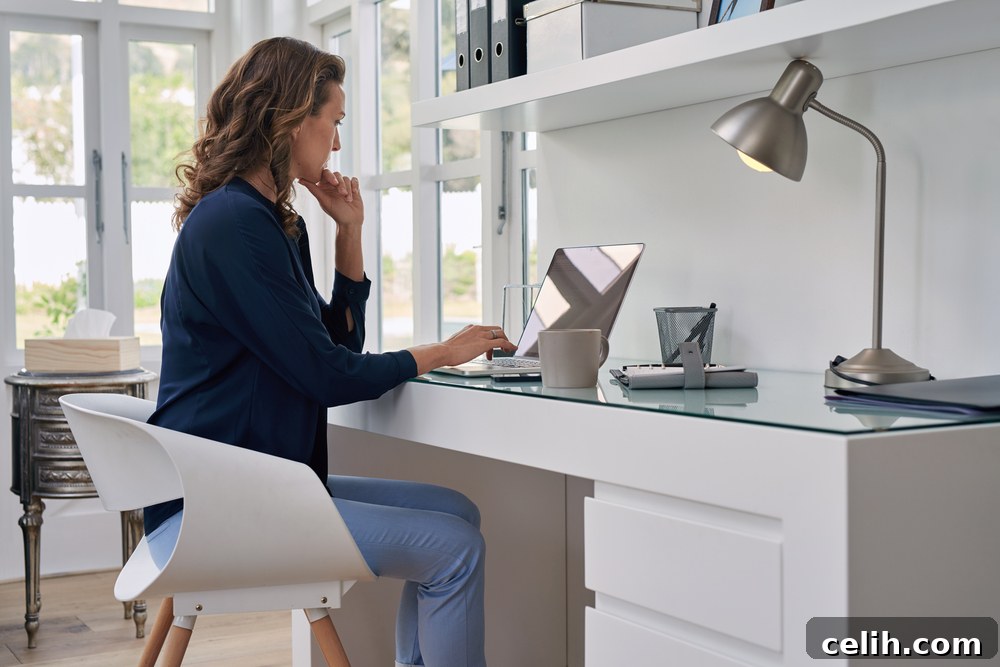
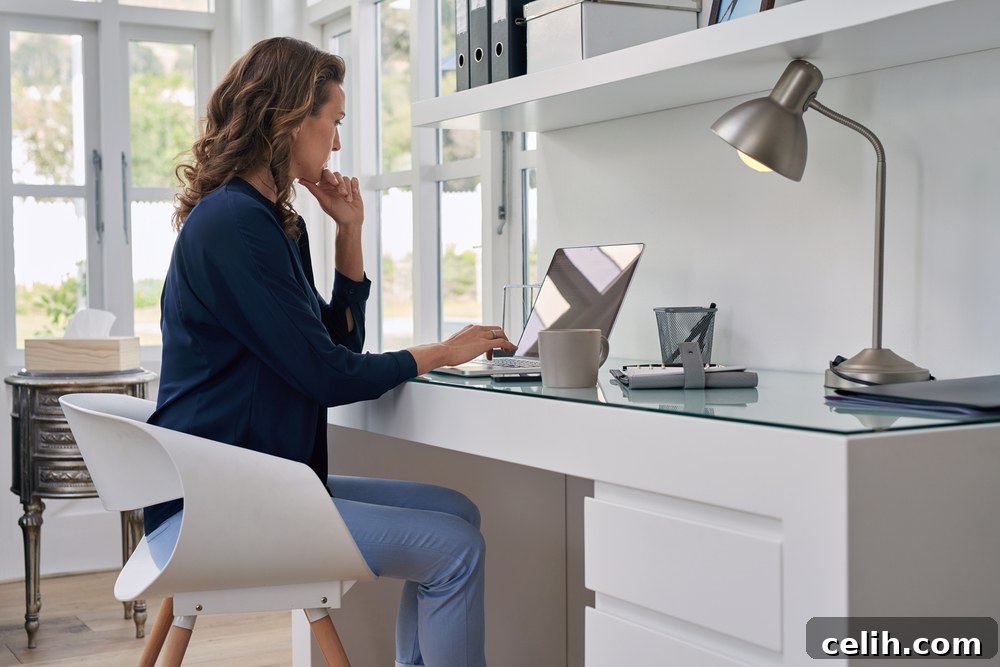
The modern world is rapidly transforming the way we work. With advancements in technology and a global shift towards flexible employment models, more individuals are embracing the convenience and efficiency of working from home. This evolution has elevated the importance of a well-designed home office – a dedicated space that not only facilitates productivity but also enhances overall well-being. Far from being a temporary solution, the home office has become a crucial element of contemporary professional life, demanding careful consideration to ensure it meets both personal and professional needs.
Creating an ideal home office is a strategic investment in your professional success and personal comfort. It’s about crafting an environment where inspiration flows freely, tasks are completed efficiently, and the lines between work and home life can be thoughtfully managed. Whether you’re a freelancer, a remote employee, or an entrepreneur, designing a space that supports your workflow and reflects your style is paramount. This comprehensive guide will walk you through the essential elements of creating a home office that is not just functional but truly inspiring, helping you unlock your full potential right from the comfort of your home.
The Rise of the Productive Home Office: Your Command Center
The concept of a home office, affectionately dubbed a ‘hoffice’ by many, has evolved significantly. It’s no longer just a spare room with a makeshift desk but a meticulously planned environment designed to optimize productivity and comfort. The allure lies in the ability to balance professional demands with personal life, allowing for greater flexibility and autonomy. Imagine attending an important video conference in a professional top, while enjoying the comfort of your favorite pajama bottoms and a freshly brewed cup of coffee – a luxury few traditional offices can offer. However, the key is to ensure this flexibility doesn’t compromise professionalism, emphasizing the need for a thoughtfully designed setup.
Choosing the right elements for your home office setup goes beyond aesthetics; it directly impacts your focus, energy levels, and long-term health. Everything from the layout of your space to your choice of furniture and even the smallest decorative accents can play a significant role. A well-organized, ergonomically sound, and visually appealing workspace can reduce stress, prevent physical discomfort, and significantly boost your efficiency. Conversely, a cluttered, uncomfortable, or poorly lit space can lead to distractions, fatigue, and decreased motivation. Therefore, investing time and effort into perfecting your home office environment is an investment in your career and well-being.
Key Pillars for Your Perfect Home Office Setup
While individual preferences vary widely, there are fundamental elements that form the backbone of any effective home office. These pillars ensure a balance of comfort, functionality, and inspiration. Let’s delve into the four core components you must consider when embarking on your home office design journey:
1. The Cornerstone: Your Desk
The desk is undeniably the focal point of any productive workspace. It’s where ideas come to life, tasks are completed, and projects take shape. Given its central role, your desk choice should prioritize both ergonomics and practicality. The market offers an expansive array of options, each catering to different needs and spatial constraints. Understanding the various types available will help you make an informed decision for your home office setup:
- Corner Desks: These are excellent space-saving solutions, designed to fit snugly into room corners, maximizing available floor space. They often provide an expansive work surface, ideal for individuals who require multiple monitors, extensive paperwork, or creative projects that demand ample room. Some corner desks are compact, perfect for smaller rooms, while others are large, L-shaped units offering extensive real estate for various tasks and equipment like printers, design mats, or secondary screens.
- Pedestal Desks: A timeless classic, the pedestal desk is renowned for its robust construction and generous storage. Characterized by one or two pedestals of drawers on either side, these desks offer significant built-in storage, helping to keep your workspace clutter-free. Typically rectangular with softened edges, they exude a traditional elegance and are suitable for those who manage a lot of physical documents or need accessible storage within arm’s reach.
- Table-Style Desks: For a minimalist aesthetic or when space is at a premium, a table-style desk offers simplicity and versatility. These desks resemble a sturdy table, often made from wood, metal, plastic, or even glass, providing a clean, uncluttered surface. They are perfect for laptop users or those who prefer a less imposing piece of furniture. While offering less built-in storage, their sleek design can make a room feel more open and modern.
- Computer Desks: Specifically engineered for digital workstations, computer desks often feature integrated solutions for managing your PC. Common features include a pull-out keyboard tray to maintain ergonomic posture, dedicated shelves for monitors, and compartments for CPU towers. Many also incorporate cable management systems to keep wires tidy and out of sight, contributing to a clean and functional setup.
- Standing Desks (Height-Adjustable Desks): A revolutionary option for health-conscious professionals, standing desks allow you to switch between sitting and standing positions throughout the day. This flexibility is crucial for reducing sedentary behavior, improving circulation, and alleviating back pain. Many models are electrically adjustable, offering programmable height settings for personalized comfort and optimal ergonomic support.
Beyond the type, consider the material (wood for warmth, metal for industrial, glass for modern), and the desk’s overall footprint relative to your room size. Ensure there’s enough surface area for all your essential equipment and tasks without feeling cramped.
2. The Support System: Your Chair
Given the significant amount of time you’ll spend seated, your office chair is arguably as critical as your desk. A poor chair choice can lead to discomfort, poor posture, and long-term health issues, ultimately impacting your productivity and well-being. Skimping on this investment is a false economy. Prioritize an ergonomic office chair that offers comprehensive support and adjustability:
- Ergonomic Design: Look for chairs designed to support the natural curve of your spine, particularly the lumbar region. Adequate lumbar support prevents slouching and maintains a healthy back posture.
- Adjustability: The more adjustable features a chair has, the better it can conform to your unique body shape and preferences. Key adjustments include seat height, seat depth, armrest height and pivot, backrest recline and tension, and tilt lock. Your feet should comfortably rest flat on the floor or on a footrest, and your arms should form a 90-degree angle at the elbows when typing.
- Material and Breathability: Consider materials that offer comfort and breathability, especially if you live in a warmer climate or tend to spend long hours at your desk. Mesh backs are popular for ventilation, while high-quality fabric or leather can offer a more luxurious feel.
- Mobility: Smooth-gliding casters are essential for easy movement around your workspace, preventing strain when reaching for items or shifting position.
Before purchasing, it’s highly recommended to try out different chairs. Sit in them for a while, adjust them to your liking, and assess how they feel. A truly ergonomic chair is an investment in your health and sustained productivity, ensuring you remain comfortable and focused throughout your workday.
3. The Organizer: Storage Solutions
A clutter-free workspace is a clear mind. Effective storage is vital for maintaining an organized and efficient home office, especially if you deal with physical documents, supplies, or personal items. Assess your storage needs based on the volume of paperwork, equipment, and personal effects you need to keep close at hand yet neatly out of sight. Consider a mix of open and closed storage solutions:
- Bookcases and Shelving: Ideal for displaying books, decorative items, and frequently accessed binders. Wall-mounted shelves are excellent for smaller rooms, utilizing vertical space efficiently.
- Filing Cabinets: Indispensable for organizing important documents. Choose between lateral (wider, shallow drawers) and vertical (narrower, deep drawers) cabinets based on your space and filing volume.
- Drawers and Pedestals: Integrated drawers in your desk or separate rolling pedestals provide convenient, enclosed storage for office supplies, stationery, and confidential documents.
- Dressers or Cabinets: For a more aesthetic approach or to blend with existing home decor, a stylish dresser or closed cabinet can offer ample storage while maintaining a cohesive look.
- Digital Storage: Complement physical storage with digital solutions like cloud services and external hard drives to minimize paper clutter and ensure data backup.
When selecting storage, consider the flow of your work. Keep frequently used items within easy reach, and less common items stored away. Labeling systems and organizational bins can further enhance your storage efficiency.
4. The Essentials and Beyond: Enhancing Your Workspace
Beyond the core furniture, several other elements contribute significantly to a comfortable, productive, and inspiring home office environment. These are often overlooked but play a crucial role in daily functionality and well-being. When building your dream home office, pay close attention to these vital components:
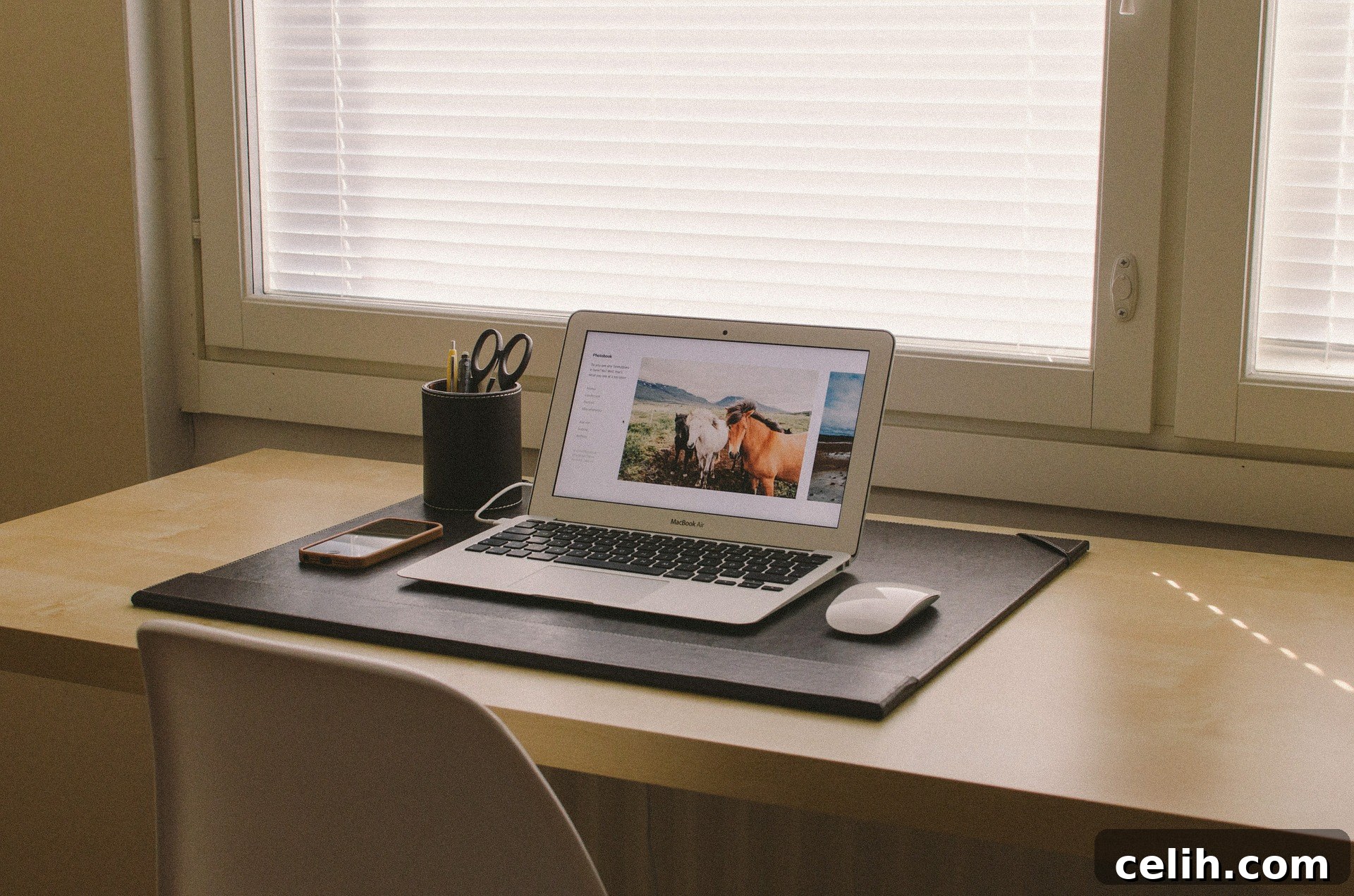
- Lighting: Proper lighting is paramount for eye health and mood. Maximize natural light by positioning your desk near a window, ensuring you avoid direct glare. Supplement with layered artificial lighting:
- Ambient Lighting: Overhead lights provide general illumination for the room.
- Task Lighting: A good desk lamp is essential for focused work. Choose one with adjustable brightness and color temperature (cooler tones for focus, warmer for relaxation). Position it to avoid shadows on your work surface.
- Accent Lighting: Use decorative lamps or strip lighting to add warmth and character to your space.
Avoid working in dim conditions, as this can lead to eye strain and fatigue.
- Waste Management: It might seem trivial, but a well-placed waste paper basket and a separate recycling bin are indispensable. Keeping your space tidy minimizes distractions and maintains a professional atmosphere. Don’t underestimate the impact of a clean environment on your mental clarity.
- Window Treatments: Blinds or shades are preferable to heavy curtains in a home office. They offer precise control over light and privacy. Roller blinds, Venetian blinds, or vertical blinds can effectively block harsh sunlight and reduce screen glare without completely darkening the room. This allows you to harness natural light while maintaining comfortable viewing conditions and getting your daily dose of Vitamin D.
- Technology and Connectivity: In today’s digital age, reliable technology is non-negotiable. Ensure you have a stable, high-speed internet connection. Invest in quality peripherals: a comfortable keyboard and mouse, a webcam for video calls, and potentially noise-canceling headphones. Adequate power outlets and effective cable management solutions are also crucial to keep your workspace organized and functional. Consider a secondary monitor for enhanced multitasking capabilities.
- Personalization and Decor: Your home office should be a reflection of you. Incorporate elements that inspire and motivate you. Plants can improve air quality and reduce stress. Artwork or personal photos can add character. Choose a color palette that promotes focus (e.g., blues, greens) or creativity (e.g., yellows, oranges), depending on your profession. A decluttered space, with thoughtful touches, fosters a positive and productive mindset.
- Ergonomic Accessories: Beyond the chair and desk, consider ergonomic accessories like a monitor arm (to adjust monitor height to eye level), a footrest (for proper leg and foot support), and an ergonomic keyboard and mouse. These small additions can make a big difference in preventing strain and promoting long-term comfort.
Crafting Your Unique Workflow Haven
There is no universally “perfect” home office design, as everyone’s needs, space constraints, industry, and personal tastes are unique. The ultimate goal is to create a functional, comfortable, and inspiring environment that supports your specific work habits and boosts your productivity. Take the time to assess your individual requirements, experiment with different layouts, and continuously refine your space as your needs evolve. A well-designed home office is a dynamic entity, adapting to help you thrive in your professional endeavors.
If you’re still seeking fresh perspectives and innovative ideas for your workspace, this article offers a collection of modern home office designs that might just spark the inspiration you need to create your ideal work sanctuary.
(Collaborative post)