
The global shift towards remote work has profoundly reshaped our professional landscapes. What once was a niche working arrangement for a select few has become a mainstream reality for millions worldwide. In the second quarter of 2021, for instance, a significant 44% of the UK population continued to work from home, with individuals between 30 and 49 years old forming a dominant segment of this demographic. This enduring trend, sparked by unprecedented global events, highlights the critical need for a home office environment that transcends mere aesthetics. While a visually appealing workspace is undoubtedly a bonus, the true value of a home office lies in its functionality, ergonomic design, and ability to foster productivity and well-being. Too often, individuals overlook crucial elements, leading to setups that hinder rather than help. As you embark on creating or refining your personal workspace, it’s essential to recognize and proactively avoid common missteps that can undermine your effectiveness and comfort. This comprehensive guide will delve into key areas where many home office setups fall short, providing actionable insights to help you cultivate an environment conducive to sustained success and health in the era of remote work.
Poor Lighting: A Dim Outlook on Productivity and Well-being
One of the most underestimated yet impactful aspects of a home office setup is lighting. Adequate illumination is paramount for any workspace, directly influencing eye comfort, energy levels, and overall productivity. A poorly lit environment can lead to significant eye strain, headaches, and general fatigue, making it challenging to concentrate and sustain focus throughout the workday. Such conditions can also negatively affect mood, contributing to feelings of gloominess and even impacting one’s circadian rhythm, especially during darker months.
Maximizing Natural Light
The ideal scenario for any home office is to maximize natural daylight. Sunlight offers a spectrum of benefits, from boosting mood and energy to regulating sleep patterns. Positioning your home office desk near a window is a strategic move to leverage this free and invaluable resource. When arranging your workspace, try to place your desk perpendicular to the window. This orientation helps prevent direct glare on your computer screen, which can be just as detrimental as insufficient light, while still allowing ample natural light to illuminate your workspace. If direct sunlight becomes too intense or creates glare, consider using sheer blinds or curtains that diffuse light without completely blocking it. Regular exposure to natural light can significantly enhance your work experience and reduce reliance on artificial sources during daylight hours.
Optimizing Artificial Lighting
While natural light is preferable, it’s often insufficient, especially during evenings, cloudy days, or in rooms with limited window access. This is where a well-planned artificial lighting scheme becomes crucial. A balanced lighting setup typically incorporates three layers: ambient, task, and accent lighting.
- Ambient Lighting: This provides general illumination for the entire room. Overhead fixtures, flush mounts, or track lighting can serve this purpose. The goal is to ensure the room is comfortably bright, avoiding dark corners that can make the space feel oppressive.
- Task Lighting: A dedicated desk lamp is indispensable for direct illumination where you need it most—on your documents, keyboard, and immediate workspace. Look for lamps with adjustable arms and heads, allowing you to direct light precisely and minimize shadows. Position the lamp to avoid glare on your screen and ensure it’s comfortable for your eyes.
- Color Temperature (Kelvin): The color temperature of light bulbs plays a vital role. For a productive work environment, cooler white light (around 4000K-5000K) is often recommended as it mimics natural daylight and can enhance alertness and concentration. Warmer light (2700K-3000K) is better suited for relaxation zones.
- Brightness (Lumens): Ensure your bulbs provide adequate lumens for the size of your space without being excessively bright or too dim. Experimenting with different light bulbs and dimmer switches can help you find the perfect balance for comfort and productivity. Smart lighting solutions offer excellent flexibility, allowing you to adjust brightness and color temperature throughout the day to suit your changing needs and optimize your energy usage.
Investing in quality lighting for your home office is an investment in your health, focus, and overall job satisfaction. Don’t let poor illumination cast a shadow on your remote work success.
Inappropriately Sized Desk: The Foundation of Your Workspace
The desk is the central anchor of any home office, and its size and design fundamentally dictate the efficiency and comfort of your workspace. A common oversight is selecting a desk based solely on its aesthetic appeal or available space, neglecting the crucial elements of functionality and practicality. An inappropriately sized desk, whether too small or too large for your needs, can transform your work environment from an organized hub of productivity into a cramped, uncomfortable, and frustrating space.
Choosing the Right Dimensions and Features
Ideally, your home office desk should provide ample surface area to comfortably accommodate all your essential work tools without feeling cluttered. This typically includes a laptop or monitor(s), keyboard, mouse, a notebook or diary, pen and pencil holders, a phone, and potentially a small printer or external hard drives. More than just width, the depth of the desk is equally critical. Sufficient depth allows you to maintain an ergonomic distance from your screen, reducing eye strain and enabling comfortable arm and wrist positioning while typing. Choosing the right desk means prioritizing functionality and quality over mere visual attractiveness. A sturdy, durable desk that can withstand daily use is a far better investment than a flimsy, fashionable one that quickly shows wear or lacks the necessary support.
Considering Your Workflow and Health
Before purchasing a desk, take an inventory of your daily tasks and the equipment they require. Do you use multiple monitors? Do you often spread out physical documents? Do you need space for drawing or writing? Answering these questions will help determine the optimal size and configuration. For those concerned about prolonged sitting, an adjustable standing desk or a sit-stand converter can be a game-changer. These desks allow you to alternate between sitting and standing positions throughout the day, improving circulation, reducing back pain, and boosting energy levels and focus. This flexibility is a significant advantage for long-term health and sustained productivity in a remote work setting.
Tackling Desk Clutter and Organization
Beyond the physical dimensions, how you manage your desk space is equally important. Even the largest desk can feel inadequate if it’s perpetually buried under clutter. A messy desk can be a significant source of distraction and stress, hindering your ability to focus and find what you need. Some individuals, inadvertently, transform their limited office desk into a decorative display space. While personalization is good, it should not come at the expense of functionality. Regularly decluttering your desk, utilizing organizational tools like drawer organizers, file holders, and shelves, and implementing effective cable management solutions can dramatically improve the usability and aesthetics of your workspace. By keeping your desk tidy and purposeful, you create a clear, focused environment that supports, rather than detracts from, your work.
Using Any Chair as an Office Seat: The Neglected Ergonomic Imperative
Perhaps no other element in a home office setup impacts your physical health and long-term productivity as much as your choice of chair. The temptation to simply use a dining chair, a kitchen stool, or any available seat might be strong, especially when first transitioning to remote work or trying to save costs. However, this is a critical mistake that can lead to chronic pain, reduced focus, and serious health issues over time. There is a fundamental reason why ergonomic chairs are universally recommended as the best seating solution for office work: they are specifically designed to support the human body during prolonged periods of sitting.
The Disadvantages of Non-Ergonomic Chairs
Regular chairs, like dining chairs, are designed for short-term use and social interactions, not for eight or more hours of focused work. They typically lack the necessary adjustability and supportive contours to maintain proper posture. This often results in slouching, leaning, or awkward positioning, which puts undue stress on your spine, neck, shoulders, and wrists. Over time, this can manifest as severe back pain, neck stiffness, carpal tunnel syndrome, and even sciatica, significantly impacting your well-being and ability to work comfortably.
The Hallmarks of an Ergonomic Office Chair
An ergonomic chair is engineered to adapt to your unique body shape and provide comprehensive support. Key features to look for include:
- Adjustable Seat Height: Allows your feet to rest flat on the floor or a footrest, with your knees forming a 90-degree angle.
- Seat Depth Adjustment: Ensures a gap of about two to four fingers between the edge of the seat and the back of your knees, preventing pressure on your thighs.
- Lumbar Support: Crucially, an ergonomic chair provides adjustable lumbar support (both height and depth) to match the natural inward curve of your lower back, maintaining the spine’s healthy S-shape and preventing slouching.
- Adjustable Armrests: Allows your arms to rest comfortably at a 90-degree angle to your desk, alleviating pressure on your shoulders and neck.
- Backrest Recline and Tilt: Enables you to recline and lock the backrest at various angles, providing dynamic support and allowing you to change posture throughout the day.
- Headrest (Optional but Recommended): Offers support for your head and neck, particularly beneficial during breaks or phone calls.
- Quality Material and Cushioning: Breathable fabrics and high-density foam provide comfort and durability, ensuring the chair retains its supportive properties over time.
Even if a chair is adjustable, it doesn’t automatically mean it’s ergonomic. A truly ergonomic chair is designed with the complex mechanics of the human body in mind, providing targeted support where it’s most needed to promote proper posture and minimize strain. Investing in a high-quality ergonomic chair is not an extravagance but a crucial investment in your long-term health, comfort, and productivity. It’s an investment that pays dividends by preventing pain, reducing fatigue, and allowing you to concentrate fully on your work without discomfort.
Neglecting Ventilation and Air Quality: A Breath of Fresh Air for Productivity
Often overlooked in the quest for the perfect home office, the quality of the air you breathe and the overall ventilation of your workspace play a significant role in your comfort, health, and productivity. A home office with poor ventilation can quickly become a stuffy, uncomfortable environment, leading to a range of issues from drowsiness and headaches to reduced concentration and increased susceptibility to airborne irritants. This oversight can profoundly impact your ability to maintain focus and energy throughout the day, sometimes leading to a condition colloquially known as “sick building syndrome” due to stagnant indoor air.
The Importance of Fresh Air
Our brains require a constant supply of oxygen to function optimally. In an enclosed, poorly ventilated space, carbon dioxide levels can quickly rise, leading to feelings of sluggishness and impaired cognitive function. Furthermore, indoor environments can accumulate various pollutants, including volatile organic compounds (VOCs) from furniture, cleaning products, and electronics, as well as dust, pet dander, and mold spores. Fresh air helps to dilute these contaminants, bringing in oxygen and clearing out stale air and pollutants, which is vital for maintaining a healthy and invigorating workspace.
Strategies for Optimal Ventilation and Air Quality
- Natural Ventilation: The simplest and most effective method is to regularly open windows and doors to create cross-ventilation. Even short periods of airing out the room several times a day can make a substantial difference. This helps to flush out stale air and introduce fresh oxygen, dramatically improving the overall atmosphere.
- Mechanical Ventilation: If natural ventilation is not always feasible due to weather, noise, or security concerns, consider mechanical solutions. A small desk fan or a ceiling fan can help circulate air, preventing it from becoming stagnant. For more comprehensive air quality improvement, a high-quality air purifier with HEPA and activated carbon filters can effectively remove allergens, dust, pet dander, pollen, smoke, and some VOCs from the air, creating a cleaner breathing environment.
- Temperature and Humidity Control: Maintaining an optimal temperature (typically between 20-24°C or 68-75°F) and humidity level (around 40-60%) is also crucial for comfort and air quality. Extremely dry air can lead to dry eyes and skin, while excessive humidity can encourage mold growth. Humidifiers or dehumidifiers can help regulate these levels.
- Indoor Plants: While not a substitute for proper ventilation, certain indoor plants, such as snake plants, spider plants, and peace lilies, can contribute marginally to air purification by absorbing some toxins and releasing oxygen. They also add a touch of nature and can boost mood, making your workspace more pleasant.
Prioritizing ventilation and air quality in your home office is an easy yet powerful way to enhance your comfort, health, and sustained productivity. By ensuring a steady supply of fresh, clean air, you’re not just creating a more pleasant environment; you’re actively supporting your cognitive function and overall well-being, allowing you to thrive in your remote work setup.
The transition to remote work offers unparalleled flexibility and numerous benefits, but it also places a greater responsibility on individuals to create a professional and supportive work environment at home. Avoiding the common blunders discussed—poor lighting, an inadequately sized desk, using an improper chair, and neglecting air quality—is crucial for transforming a mere room into a truly functional and productive home office. Investing thoughtfully in these fundamental aspects is not just about aesthetics; it’s about investing in your health, comfort, focus, and ultimately, your long-term success in the evolving landscape of work. By optimizing these elements, you can create a home office that genuinely supports your professional endeavors and personal well-being, making remote work a sustainable and enjoyable experience.
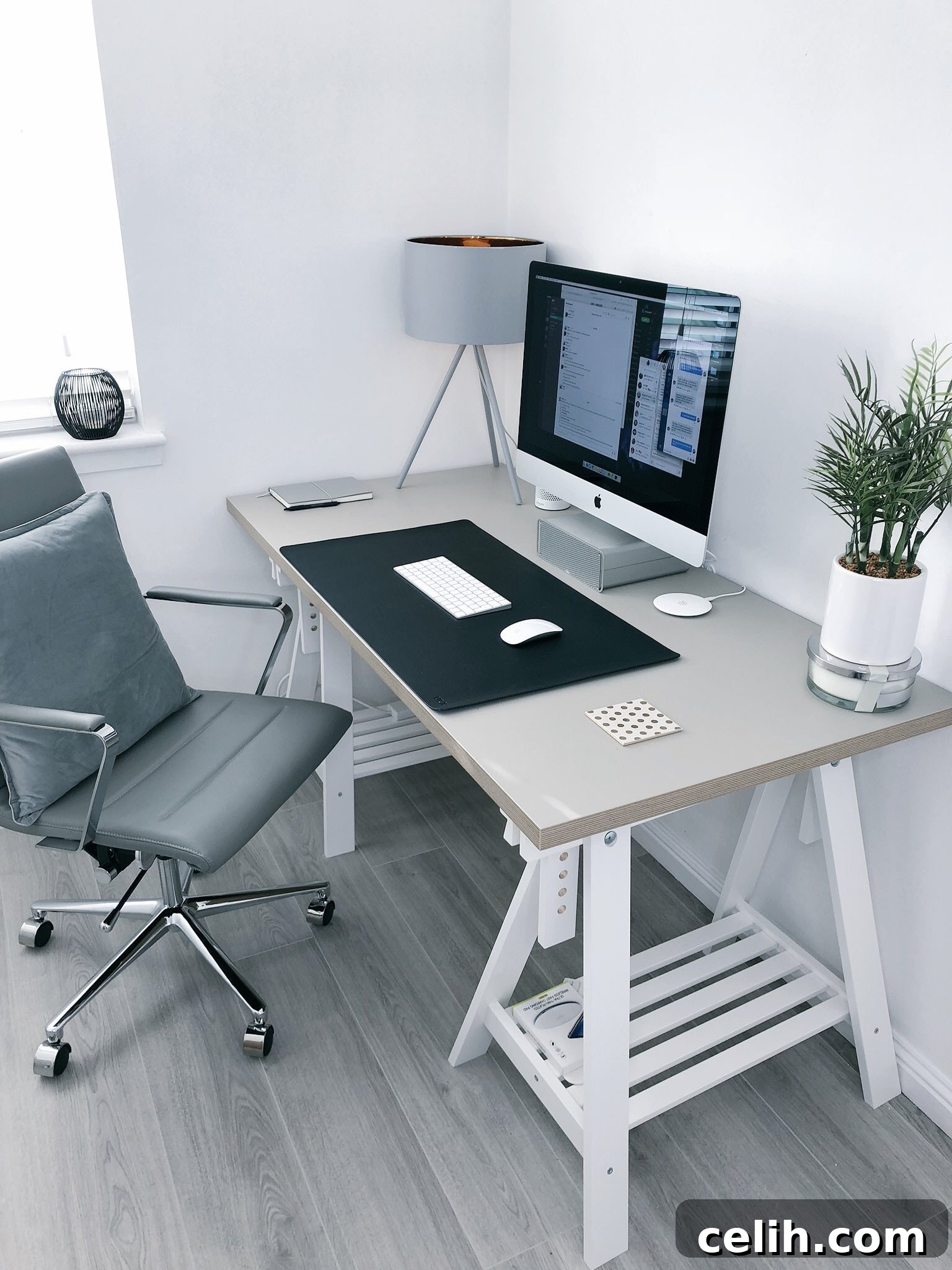
Featured image credit: Photo by James McDonald on Unsplash