
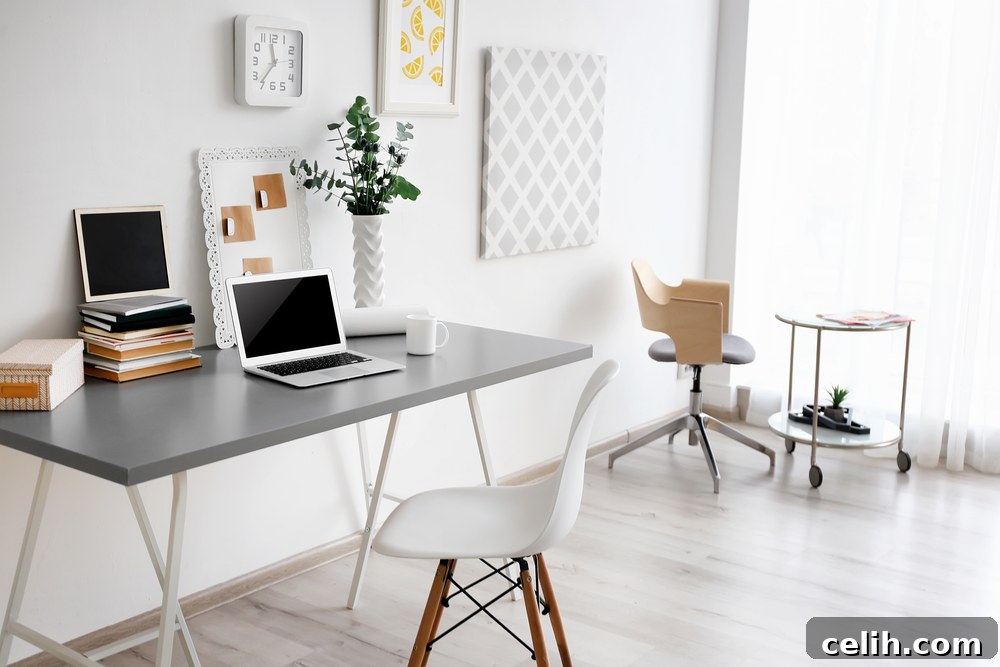
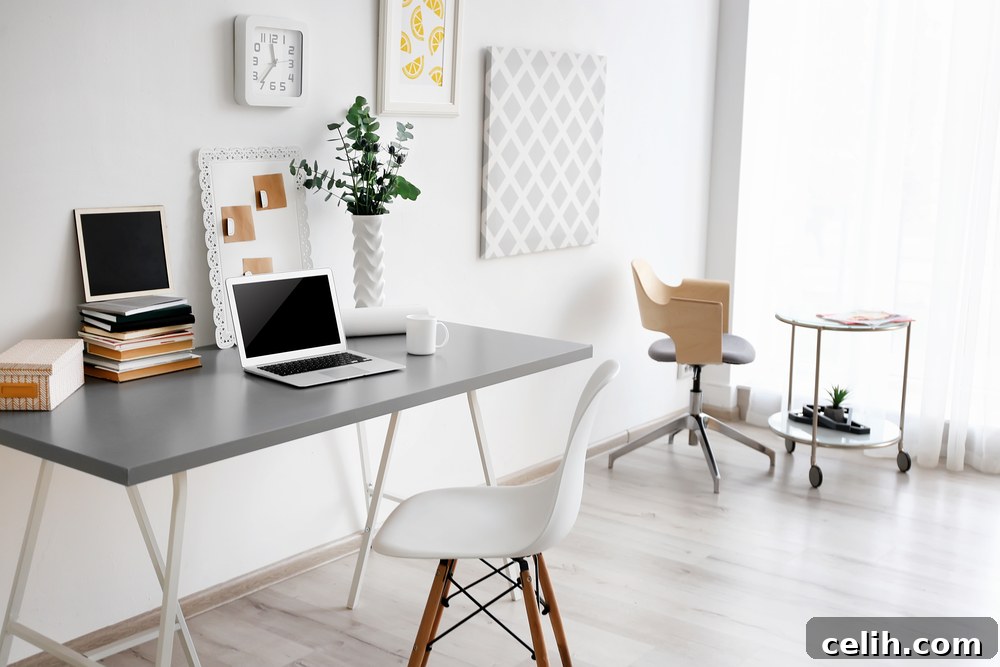
In today’s rapidly evolving professional landscape, working from home has transformed from a niche concept into a widespread reality for millions. Whether you’re a seasoned remote professional or contemplating the switch, establishing a dedicated home office is paramount. It’s not merely about having a desk and a chair; it’s about crafting an environment that fosters productivity, minimizes distractions, and effectively separates your personal life from your professional endeavors. A thoughtfully designed home workspace can significantly boost your efficiency, creativity, and overall job satisfaction. This comprehensive guide will walk you through essential strategies and innovative ideas to create a functional, inspiring, and highly productive home office tailored to your unique needs.
Crafting a Dynamic and Agile Home Office Environment
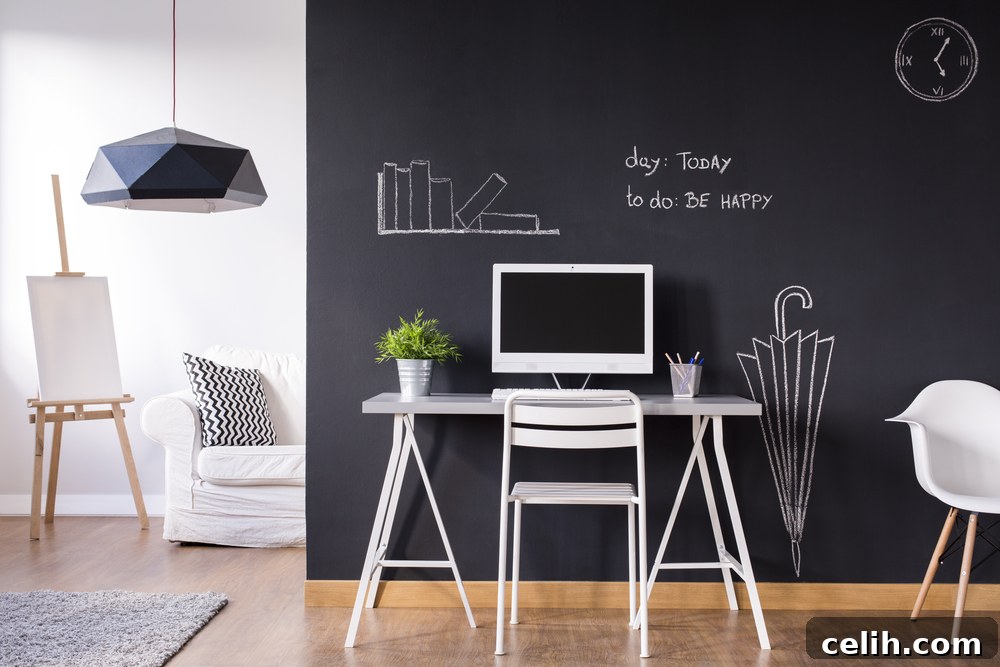
Gone are the days when a home office strictly meant sitting at a single desk for eight hours straight. Drawing inspiration from innovative corporate spaces, the concept of “zoning” your workspace, or adopting an agile working environment, can revolutionize your productivity. Agile working acknowledges that different tasks require different settings, promoting a dynamic flow that caters to various activities throughout your workday. This approach aligns with the evolving nature of technology and modern work methods, offering a more engaging and productive alternative to static setups. Office design specialists like Office Principles can provide further insights into this transformative philosophy.
**Defining Your Home Office Zones**
To implement an agile approach effectively, consider segmenting your home office into distinct zones, each optimized for specific types of work:
- The Focused Work Zone: This is your primary workstation, typically featuring your main desk and computer setup. Design this area for tasks requiring deep concentration, such as coding, writing, data analysis, or intricate design work. Ensure it’s free from visual and auditory distractions.
- The Collaboration & Communication Zone: For virtual meetings, client calls, or brainstorming sessions, a more relaxed yet professional setting is ideal. Consider adding comfortable armchairs or a small sofa. This allows you to step away from your main desk, shifting your posture and perspective, which can enhance engagement and reduce screen fatigue during long calls. If you frequently host in-person meetings, this zone becomes even more critical for a welcoming atmosphere. Learn more about optimizing your home office for various functions.
- The Creative & Movement Zone: Some tasks benefit immensely from movement or a change of scenery. If you frequently brainstorm, make phone calls, or prefer to stand while thinking, create a clutter-free area with a whiteboard or a standing desk option. This zone encourages physical activity and can stimulate creative thought, breaking the monotony of prolonged sitting.
- The Relax & Recharge Zone: Even in a home office, breaks are vital for sustained productivity. Designate a small corner with a comfortable beanbag, a reading chair, or even just an open space for stretching or mindfulness. This allows for mental decompression, helping you return to your tasks refreshed and focused.
Remember, this is your space, so embrace creativity. Experiment with different setups that genuinely enhance your workflow and make your working day more varied and enjoyable.
Prioritizing Your Well-being with Ergonomic Furniture
When working in a corporate environment, employers are legally obligated to consider your health and safety. This same dedication to well-being should extend to your home office. Investing in ergonomically designed furniture is not a luxury; it’s a necessity for preventing discomfort, injury, and long-term health issues, ultimately boosting your sustained productivity.
**Choosing the Right Ergonomic Office Chair**
Your office chair is arguably the most crucial piece of furniture. Look for models that are fully adjustable, allowing you to customize it to your body’s unique requirements:
- Seat Height: Adjustable so your feet can rest flat on the floor or a footrest, with your knees at a 90-degree angle.
- Backrest: Should support the natural curve of your spine, especially the lumbar (lower back) region. Adjustable recline and tilt are beneficial.
- Armrests: Should be adjustable in height, depth, and pivot, allowing your arms to rest comfortably without shrugging your shoulders, keeping your elbows at a 90-degree angle.
- Head/Neck Rest: Offers support for your head and neck during recline or breaks.
- Seat Pan Depth: Ensures there’s a gap of 2-4 inches between the edge of the seat and the back of your knees.
**Optimizing Your Desk and Workstation**
Desk height is equally important. Ensure you select a desk that allows you to work comfortably, with your forearms parallel to the floor when typing. Standing desks or sit-stand converters are excellent ergonomic investments, encouraging movement throughout the day and reducing the risks associated with prolonged sitting.
When positioning your computer monitor, ensure the top of the screen is at or slightly below eye level, approximately an arm’s length away. This prevents neck strain and hunching. For dual monitor setups, position the primary monitor directly in front of you and the secondary to its side, or both centered if used equally.
Furthermore, don’t overlook ergonomic desk accessories. A quality keyboard wrist rest and mouse rest can significantly reduce strain on your wrists and forearms, mitigating the risk of Repetitive Strain Injury (RSI). A document holder can also prevent neck twisting if you frequently refer to physical papers.
Illuminating Your Workspace: The Power of Proper Lighting
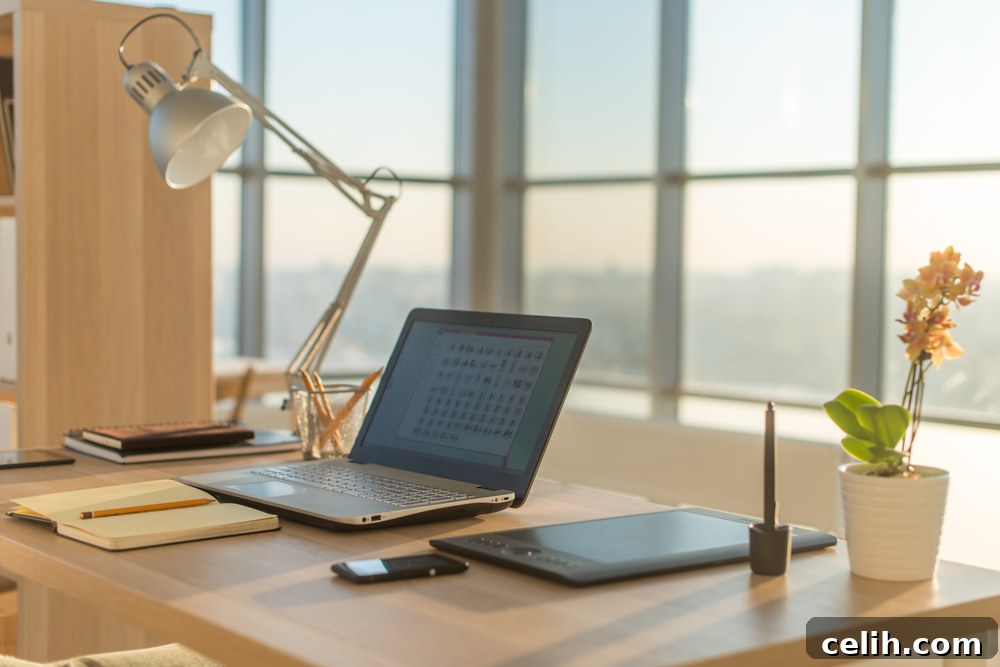
Adequate lighting is crucial for any functional workspace, directly impacting your eye health, mood, and productivity. Poor lighting can lead to eye strain, headaches, and decreased efficiency, especially during long hours of screen time or detailed tasks. Aim for a layered lighting approach that combines natural light with various artificial sources.
**Maximizing Natural Light**
Wherever possible, position your desk to take advantage of natural light. Placing your monitor perpendicular to a window can minimize glare, while strategically placed sheer blinds or curtains can diffuse harsh sunlight. Natural light has been shown to improve mood, reduce eye strain, and regulate circadian rhythms, contributing to better sleep and overall well-being.
**Implementing Layered Artificial Lighting**
Relying solely on overhead room lighting is rarely sufficient for a home office. Integrate a mix of the following:
- Task Lighting: A good quality desk lamp is indispensable. Choose one with adjustable brightness and an articulating arm, like the highly efficient CSYS desk task lamp, that allows you to direct light precisely where you need it. This focused light illuminates your work area without causing glare on your screen.
- Ambient Lighting: This provides overall illumination for the room. Overhead pendant lights or recessed lighting can serve this purpose. For an enhanced aesthetic and improved spread of light, consider a stylish modern pendant light that complements your office decor.
- Accent Lighting: Used to highlight specific features or create a particular mood. A standing floor lamp in a reading nook or a couple of elegant table lamps in a meeting zone can add warmth and visual interest.
Consider the color temperature of your light bulbs. Cooler, brighter white light (around 4000K-5000K) is often preferred for task-oriented areas to maintain alertness, while warmer light (2700K-3000K) can be used in more relaxed zones.
Minimizing Distractions and Maximizing Focus
A functional home office isn’t just about furniture and lighting; it’s about creating an environment that minimizes distractions and optimizes your ability to concentrate. This involves both physical and psychological strategies.
**Decluttering and Organization**
A cluttered workspace leads to a cluttered mind. Implement effective storage solutions like shelves, drawers, and filing cabinets to keep papers and supplies organized and out of sight. Regularly purge unnecessary items. Utilize cable management solutions to tame unruly cords, contributing to a cleaner, safer, and more aesthetically pleasing environment.
**Sound Management**
Noise can be a significant productivity killer. If possible, choose a room away from high-traffic areas of your home. Consider adding sound-absorbing elements like thick curtains, rugs, or even acoustic panels. Noise-canceling headphones can also be a game-changer for deep focus tasks.
**Digital Detox and Routine**
Beyond physical setup, establishing clear boundaries for your digital life is crucial. Minimize notifications from non-work-related apps and set specific times for checking personal emails or social media. A consistent daily routine, including designated start and end times, regular breaks, and a clear transition between work and personal life, reinforces the functionality of your dedicated workspace.
Personalizing Your Space for Inspiration and Comfort
While functionality is key, your home office should also be a place you genuinely enjoy spending time in. Personalizing your space can significantly impact your mood, motivation, and creativity.
- Integrate Biophilic Elements: Adding plants not only purifies the air but also introduces a sense of calm and connection to nature, reducing stress and improving focus.
- Display Inspiring Art or Photos: Choose artwork, photographs, or motivational quotes that resonate with you. These personal touches can provide visual breaks and moments of inspiration throughout your day.
- Strategic Use of Color: Colors can profoundly influence mood. Blues and greens are often associated with calmness and productivity, while yellows can spark creativity. Consider a color palette that supports the atmosphere you want to create in your office.
- Comforting Textures: Incorporate soft throws, cushions, or rugs to make your space feel more inviting and less sterile.
Making your home workspace a reflection of your personality while maintaining its professional purpose can turn it into a sanctuary where hard work feels more rewarding and less draining.
Seamless Technology Integration
A modern home office is intrinsically linked to technology. Ensuring seamless integration is crucial for uninterrupted workflow and efficiency.
- Reliable Internet Connectivity: This is non-negotiable. Invest in a stable, high-speed internet connection and consider Wi-Fi extenders if your office is far from the main router.
- Quality Hardware: Ensure your computer, webcam, microphone, and other peripherals are reliable and meet your professional needs. Investing in good quality equipment prevents frustrating technical glitches.
- Backup Power Solutions: For critical work, a surge protector is a minimum. A UPS (Uninterruptible Power Supply) can provide peace of mind, offering battery backup during short power outages.
- Cloud Storage and Backup: Regular data backup, preferably to a cloud service, is essential to protect your work from unforeseen hardware failures.
By focusing on these technological foundations, you can ensure your digital workspace is as robust and reliable as your physical one.
Conclusion: Your Gateway to Productive Remote Work
Creating a truly functional and productive home office is a strategic investment in your professional success and personal well-being. By thoughtfully zoning your space, prioritizing ergonomic comfort, optimizing lighting, minimizing distractions, personalizing your environment, and ensuring robust technology integration, you build more than just a room—you build a powerhouse for productivity. Your home office should be a space where you feel comfortable, inspired, and capable of tackling any task. Embrace these tips to design an environment that not only boosts your productivity but also provides a sanctuary you genuinely love and enjoy using, even when the work demands are high!
Pin it!
(Collaborative post; images via Shutterstock)