
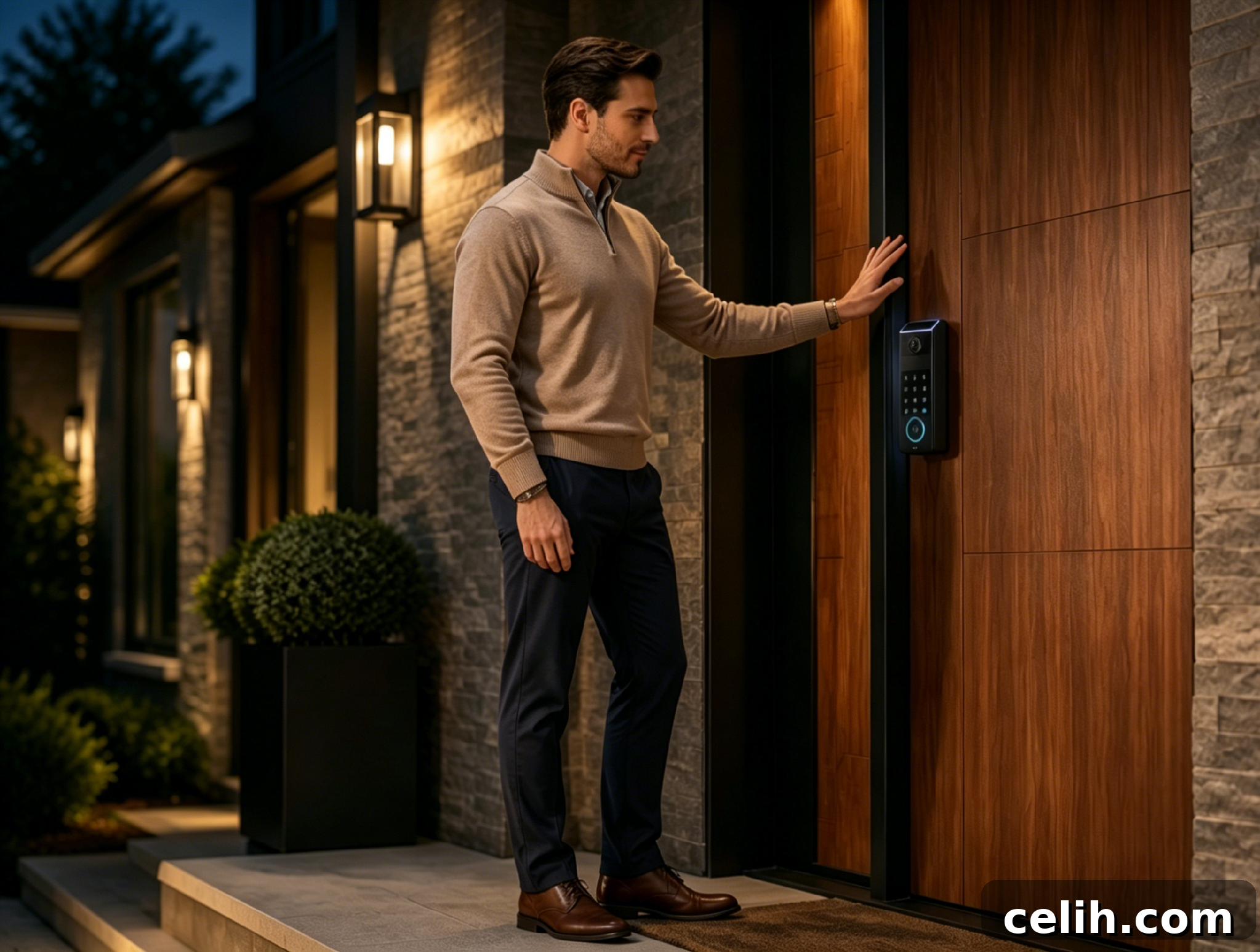
A Wi‑Fi smart lock doesn’t automatically stop functioning as a lock when the internet goes out. What it typically loses first is remote reach. You may no longer unlock it from another city, view live status, or receive immediate alerts when the door is used. At the door itself, however, many local unlock methods continue to work, which is the reassuring reality for most households.
That distinction matters. Instead of asking whether an internet‑dependent smart lock will lock you out during a router reboot, ISP outage, or storm, it’s more useful to ask which layer fails first. A practical smart‑lock strategy recognizes three layers: remote Wi‑Fi control, local access via Bluetooth, keypad, or biometrics, and a mechanical or emergency power fallback for battery failure.
Below are the key failure modes and what to check when choosing a reliable Wi‑Fi smart lock: remote limits, differences between built‑in Wi‑Fi and gateway models, local Bluetooth and keypad behavior, battery and outage scenarios, notification timing, and the spec items that indicate solid backups.
Remote access depends on both internet and power
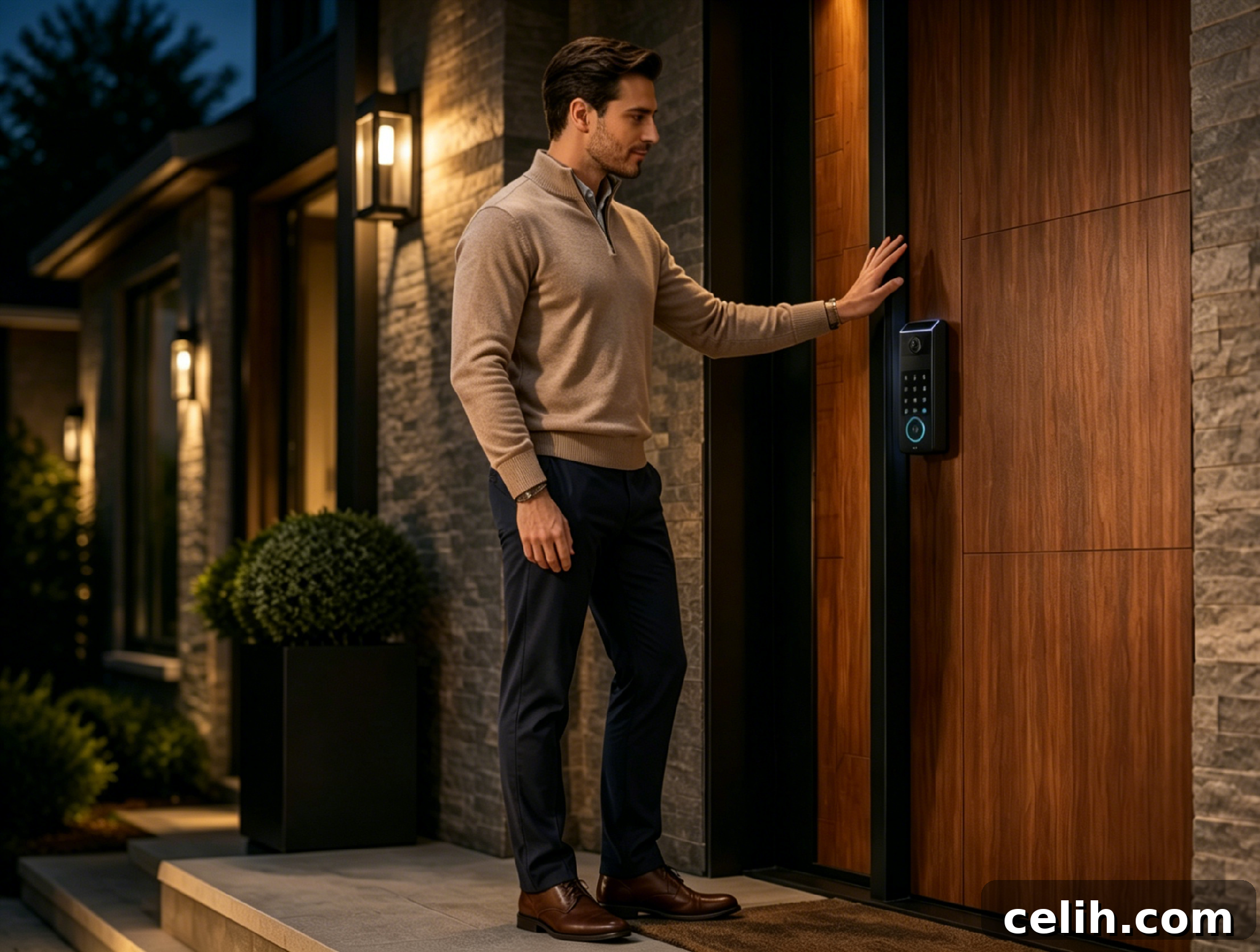
Remote control is the feature most people associate with a Wi‑Fi smart lock, but it requires two things at once: a working internet path (either to the lock itself or to a bridge) and sufficient power in the device to receive and act on commands.
When either side fails, apps often show a generic “offline” status that obscures the true cause. A router reboot, ISP outage, dead bridge, or drained lock battery can all block remote control, but they represent different problems: network path failure versus device power failure.
During a Wi‑Fi outage, these features are commonly unavailable or unreliable:
- Remote locking and unlocking from outside the home
- Real‑time lock status in the app
- Temporary code changes made remotely
- Live video or two‑way talk on camera‑equipped locks
- Cloud‑routed voice assistant commands
- Instant push notifications
Even while the connected features are offline, the bolt itself can remain physically secure. The networked, convenience layer is what disappears first—not the door hardware in most properly installed systems.
Built‑in Wi‑Fi and external gateways fail differently
Wi‑Fi connectivity in smart locks is implemented in different ways. Some locks include built‑in Wi‑Fi and talk directly to the home router. Others use a short‑range protocol such as Bluetooth or Thread at the door and rely on a separate bridge, chime, or smart home hub to reach the internet.
That architecture matters during troubleshooting. With a direct Wi‑Fi lock, check whether the router is online, whether the signal reaches the door, and whether the lock battery is charged. With a bridge‑style setup there is one more link: the bridge itself. The bridge can lose power, be placed too far from the lock, or drop its connection to the router even while the lock remains powered.
Placement matters before installation. A bridge tucked behind furniture or several rooms from the entry can work during setup and then become unreliable. A front door behind metal siding or thick walls, or simply far from the router, can weaken the connection unexpectedly.
This isn’t a reason to avoid Wi‑Fi locks. It is a reason to treat the network path as part of the lock system. Test signal strength at the door, verify where any bridge will sit, and know which device actually connects to the cloud.
Local Bluetooth and keypad access become the main route
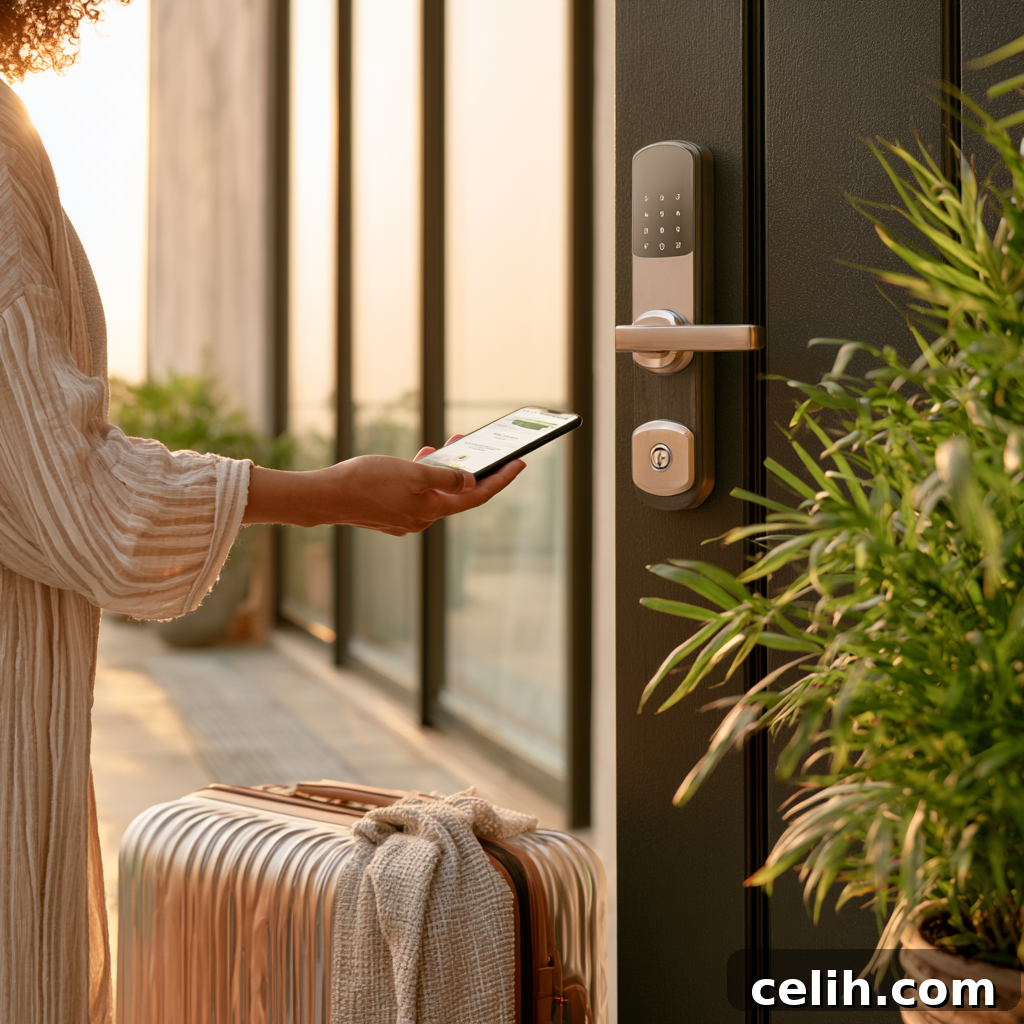
When Wi‑Fi drops, local entry methods are the practical fallback. Depending on the model, this may include Bluetooth from a nearby phone, a stored PIN code entered at a keypad, a fingerprint or palm‑vein reader, an NFC tag, or a physical key. Many of these methods do not require internet access.
Comparing Wi‑Fi and Bluetooth options helps clarify behavior. Bluetooth is short range and requires someone to be near the door; Wi‑Fi supports remote access from anywhere. During an outage, Bluetooth acts like a local remote while Wi‑Fi behaves like a severed long‑distance link.
Keypad entry is particularly simple: if a code is stored on the lock, the device can validate it locally without contacting a server. That’s why a family member can often enter during a router outage even though the app reports the lock as offline.
The limitation is management. You may not be able to create new codes, remove old ones, or view usage logs until connectivity returns. For many homes this is acceptable during a brief outage; for rentals, cleaners, or rotating guest access it’s important to plan around those constraints.
Power loss changes the problem from network to entry
A power outage differs from an internet outage, although the two often occur together. If home power fails, the router will typically go offline unless it’s protected by backup power. Most residential smart locks use internal batteries, so they can keep working even during a blackout.
Local access methods—keypad, biometric reader, or Bluetooth—can continue to operate while the lock’s battery still has charge. Remote control is lost when the router is down, but that doesn’t always mean the lock itself has no power.
The bigger risk is a depleted lock battery. Good maintenance habits matter: replace or recharge batteries when low‑battery warnings appear, keep a physical key accessible, and know whether the model offers an emergency power port or a backup battery. Some locks accept a temporary USB power source to wake the electronics for one unlock; others include an auxiliary pack or separate cells that preserve PIN entry when the main pack is low.
Mechanical key access still matters for the rare failure modes electronics and apps cannot solve. It may not be the most modern option, but it is the most reliable final fallback when both network and battery fail.
Notifications can arrive late or be misleading

Notifications are often treated as proof that a door event just happened, but they are messages that depend on a delivery path. If that path is interrupted, the event and the notification can become decoupled in time.
For example, a child could unlock the door with a saved code at 3:20 p.m. while the router is offline. The lock records the event locally, but the phone won’t receive the alert until the router reconnects. When connectivity returns, the app may send a delayed notification. The door didn’t open twice; the alert simply arrived late.
The same timing issue can cause unnecessary worry. If you expect a notification when a door opens at a certain time, a local unlock during an outage may not trigger the real‑time alert, making the app appear as if the expected unlock never happened.
Security expectations should account for these delays. If alerts feed child‑arrival routines, vacation‑rental workflows, or caregiver schedules, consider adding a secondary confirmation method during known outages.
Wi‑Fi backup layers pair remote access with local entry
A useful Wi‑Fi lock is not defined solely by the longest feature list. It’s defined by fallback behavior that fits the household. If remote access is essential for guests, cleaners, or family while you’re away, Wi‑Fi is valuable. If the entry is distant from the router or outages are frequent, strong local entry options and backup power are equally important.
When evaluating locks, check three layers before buying: the remote layer (how and when the lock connects to the cloud), the local layer (Bluetooth, keypad, biometrics, or NFC for nearby access), and the emergency layer (mechanical key, emergency power port, or backup battery). If all three are clear, an outage is an inconvenience rather than a crisis.
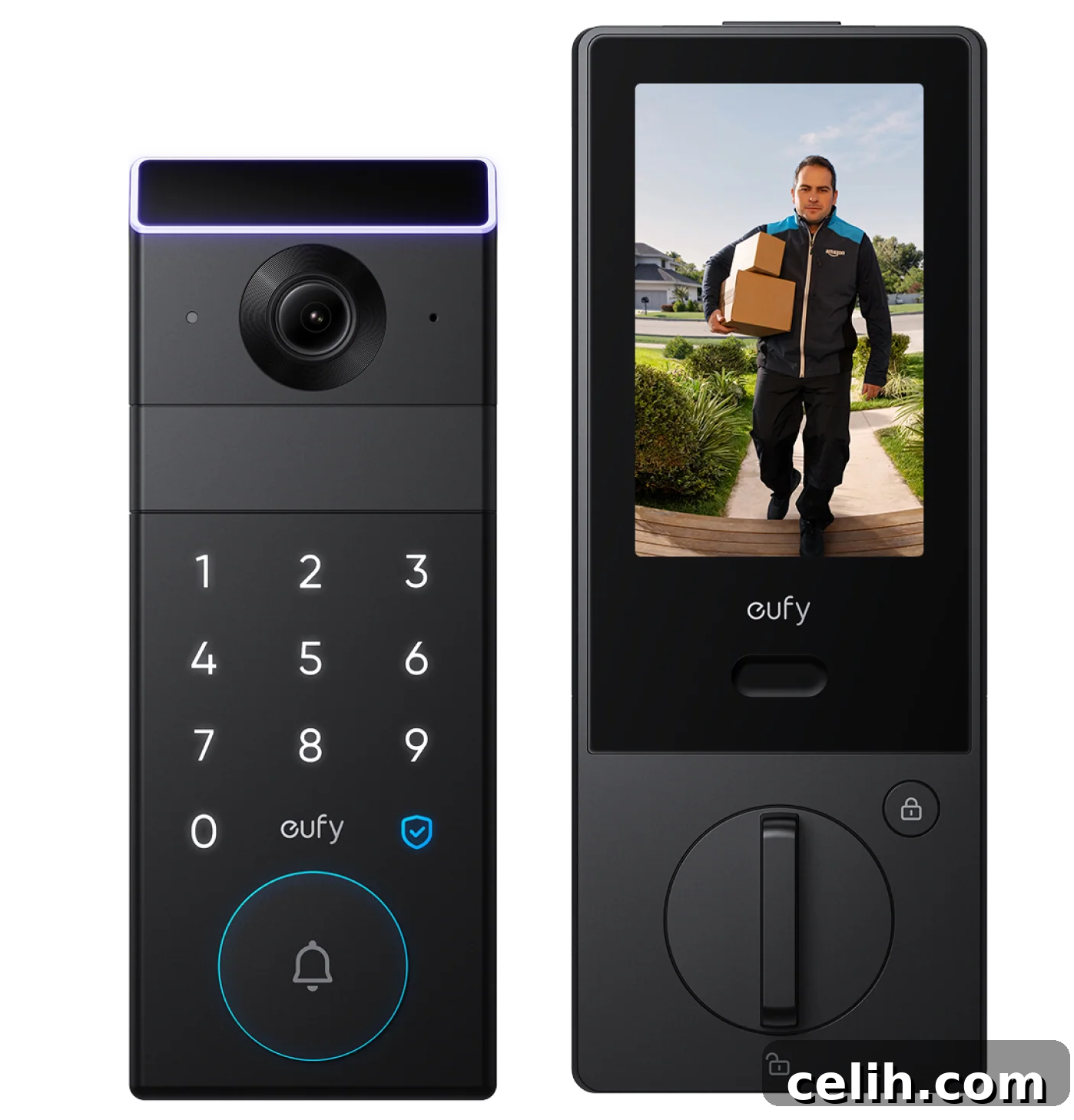
eufy FamiLock S3 Max
Conclusion
A Wi‑Fi smart lock loses remote reach when the internet goes down: app commands, live status, voice control, real‑time alerts, and video features may pause. That does not mean every way to open the door is lost.
Think in layers. Wi‑Fi handles distance and remote management. Bluetooth, keypad, biometrics, or stored codes handle local entry. A mechanical key, emergency power port, or backup battery handles the worst case. Verify those layers before installation and a smart lock becomes less a fragile gadget and more a door system with a dependable plan.