

Plug sockets might not be the most thrilling part of designing a new home, but their placement has a major impact on how well each room functions.
A socket hidden behind a wardrobe, a bedside lamp with no nearby power or an extension lead stretched across the living room can all make daily life awkward. Once walls are plastered and decorations are finished, moving sockets becomes disruptive and costly.
If your developer lets you change the electrical layout, look beyond the minimum number of outlets. Consider furniture positions, everyday routines, appliances, charging needs and how your requirements might change over time.
Table of Contents
Quick Answer: Where should plug sockets go in a new-build?
Plan sockets around the furniture, appliances and technology you expect to use. Prioritise both sides of beds and sofas, kitchen worktops and islands, home-office desks, TV walls, hallways, the garage and practical outdoor locations. Add extra sockets where they will be useful, but keep them accessible and avoid hiding them behind fitted furniture or large appliances.
Plan Your Furniture Before Your Plug Sockets
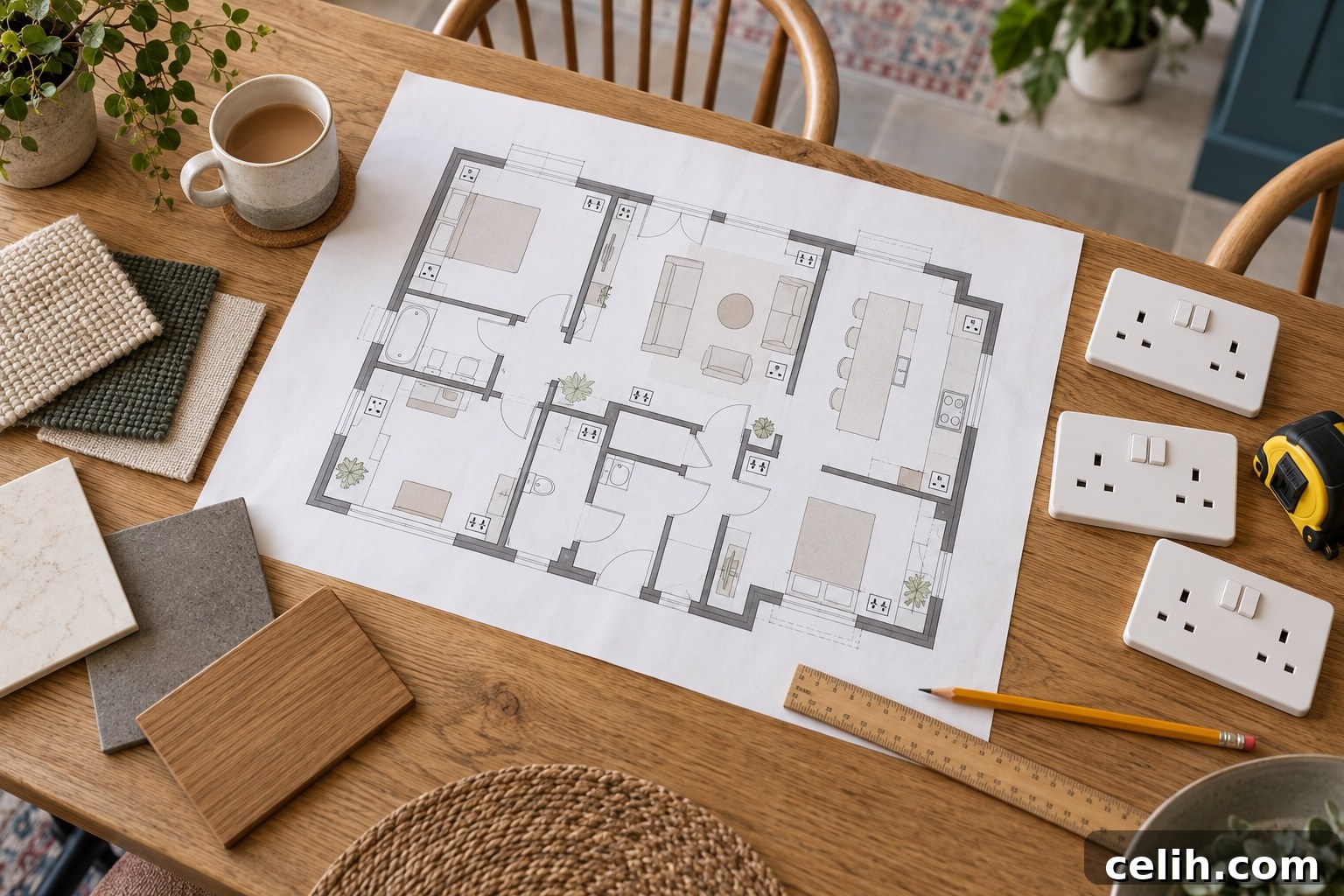
A common mistake is placing sockets evenly around empty walls. That may look tidy on a plan but can be impractical once furniture is in place. Begin by marking likely positions for beds, sofas, TVs, dining tables, desks, wardrobes, kitchen units and lamps.
Design for more than one furniture layout. Living rooms, children’s bedrooms and spare rooms often change over time, so allow flexibility. In many cases an extra double socket on another wall is more useful than a single specialised outlet that suits only your current arrangement.
Ask the developer for a clearly marked electrical plan before you agree anything. Confirm what the standard specification includes and request itemised costs for any changes or upgrades.
How Many Plug Sockets Does a New-Build Need?
There’s no one-size-fits-all number. Different rooms have different demands: a small guest bedroom needs far fewer outlets than a living room with a TV, sound system and charging devices. List the items likely to be permanently connected and those used occasionally to judge how many sockets you need.
For example, a TV area might require power for the television, soundbar, streaming device, games console, set-top box, router, a lamp and occasional charging. A single double socket often proves insufficient in such locations. Double sockets generally offer more flexibility, but circuit capacity and safety should be assessed by the developer’s electrician.
Where to Put Kitchen Plug Sockets
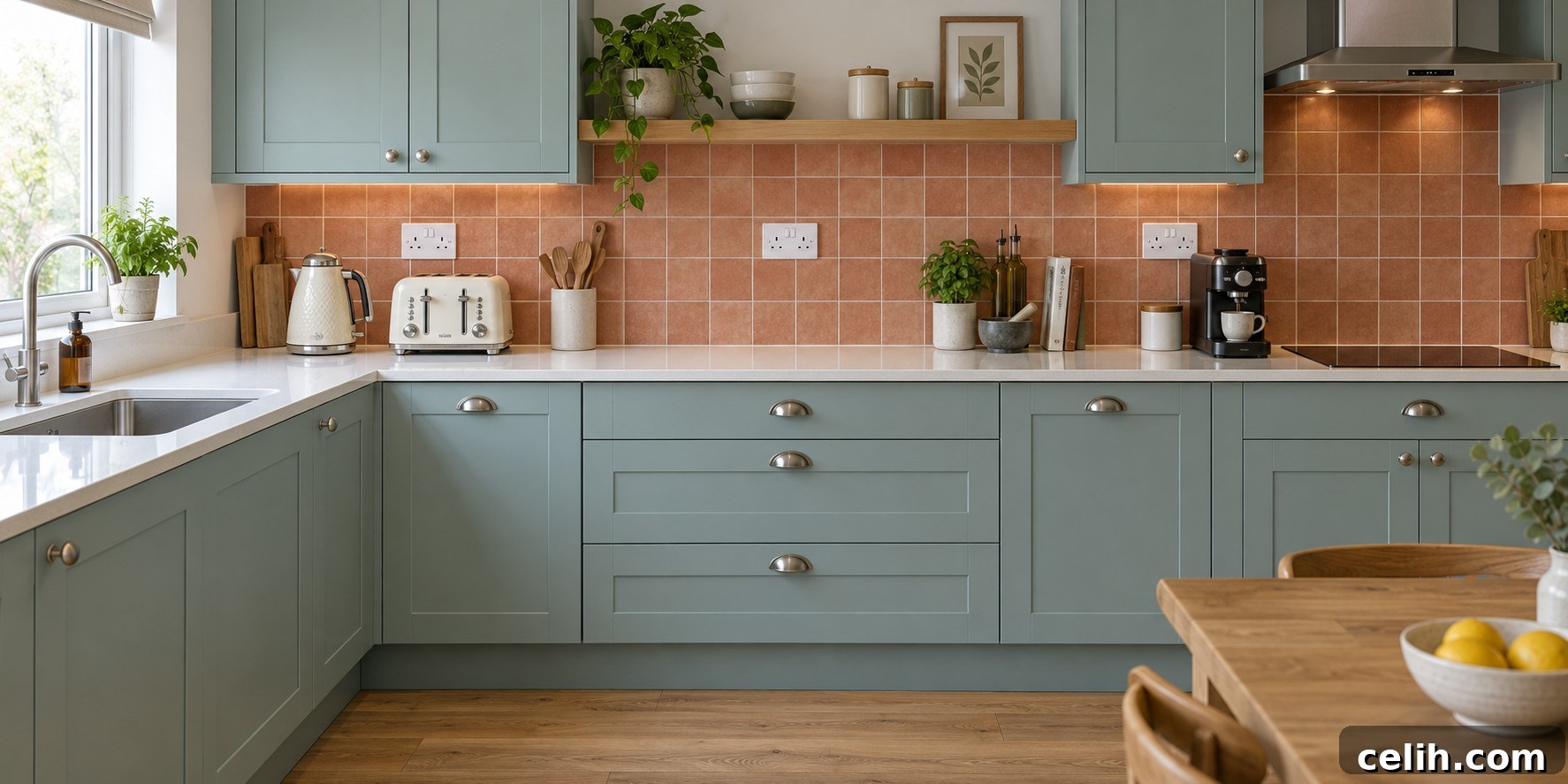
Kitchens need careful electrical planning. They combine fixed and portable appliances and may include islands or appliance cupboards. Consider sockets as part of the overall kitchen design, not an afterthought added after cabinets and appliances are chosen.
Fixed kitchen appliances
Make a full list of appliances—oven, hob, extractor, fridge, freezer, dishwasher, washing machine, tumble dryer, built-in microwave, wine cooler, boiling-water tap and waste disposal, among others. Some require dedicated connections or circuits rather than a standard socket. Ensure switches and isolation points remain accessible and coordinate plans between the kitchen designer and the electrician.
Kitchen worktop sockets
Think about how each area of worktop will be used. Kettle and toaster may be constantly plugged in, while a food processor or blender needs power near prep areas. Distribute sockets across the kitchen—coffee station, prep zone, microwave area and charging points—rather than clustering them in one corner. Avoid placing sockets directly above sinks or hobs and ensure positions work with splashbacks and wall units.
Kitchen islands and peninsulas
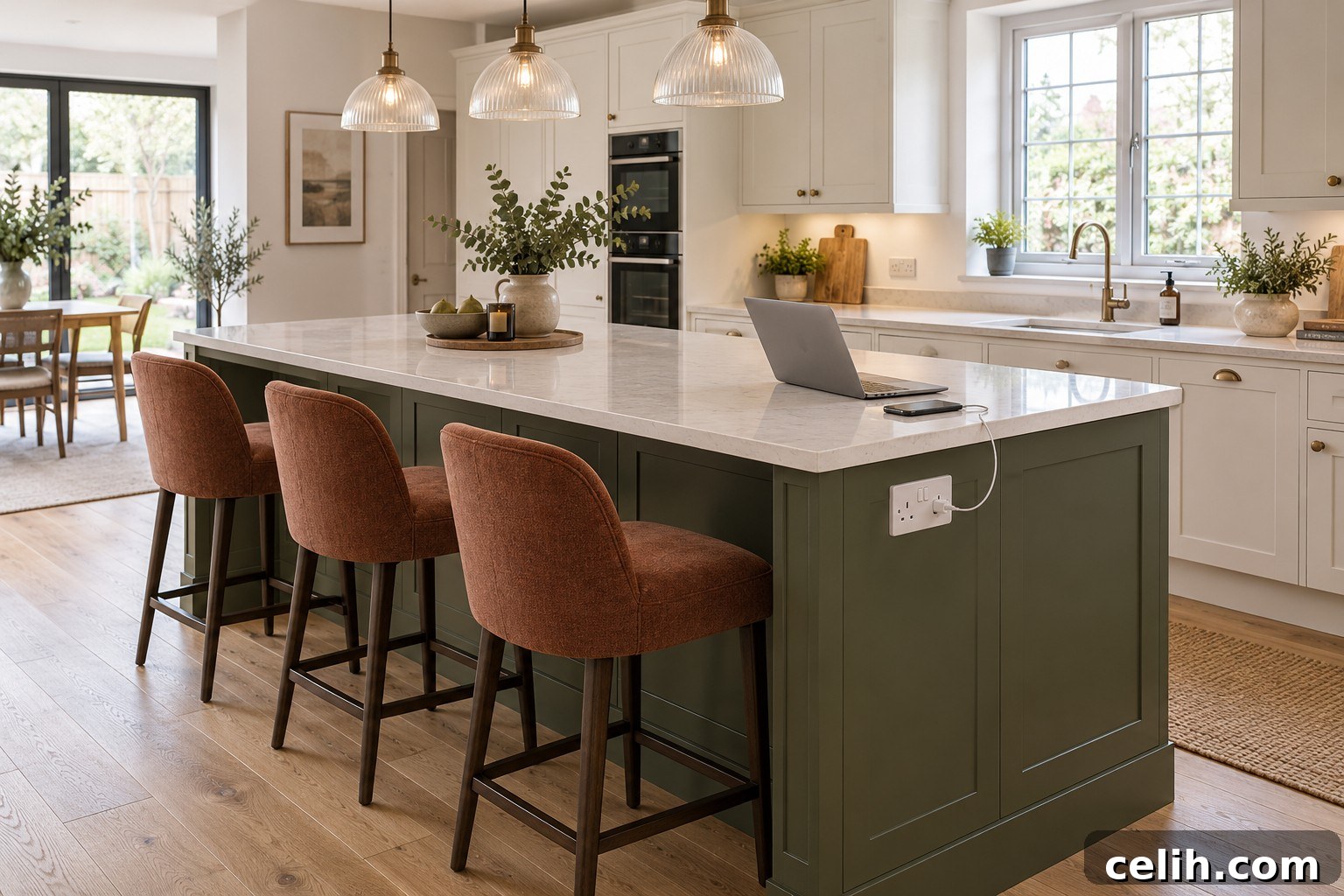
If you want power at an island, request it early so cabling can be routed before finishing. Island sockets are handy for small appliances and charging; they can be fitted on end panels, beneath overhangs or as pop-up units. Avoid locations where plugs will be knocked by seated people; a discreet side socket can be the simplest, most reliable option.
Pantry and appliance cupboards
A socket inside a pantry or appliance cupboard keeps some devices out of sight, but not all appliances are suitable for enclosed use. Consider ventilation, heat and cable clearance, and check manufacturer instructions before committing to this arrangement.
Where to Put Utility Room Sockets
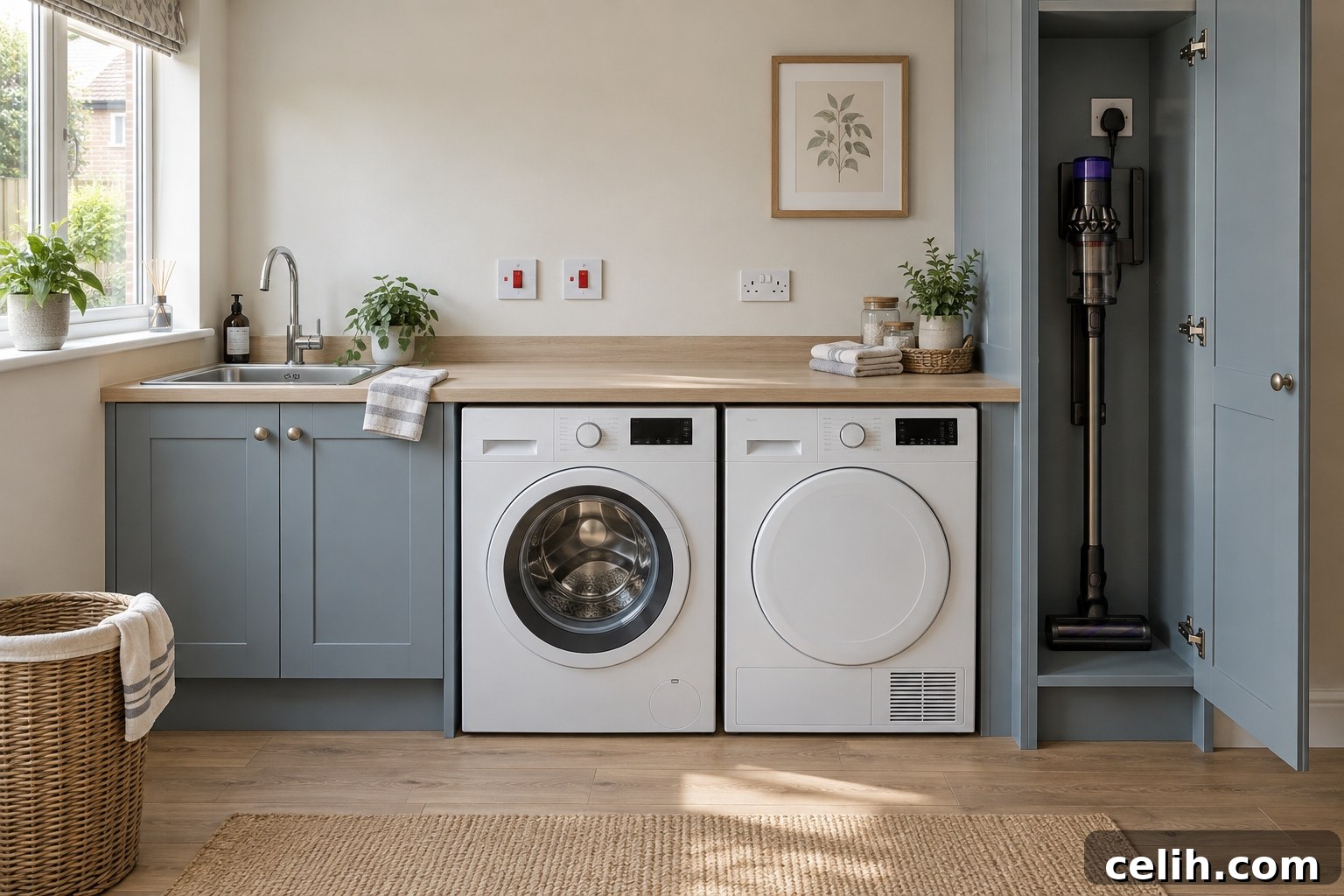
Utility rooms often host heavy-duty appliances. Plan for the washing machine, tumble dryer and any extra fridge or freezer, and include sockets at worktops for irons or steamers. Consider charging for cordless vacuums, power for dehumidifiers, heated airers and accessible cleaning sockets. Keep electrical items safely away from sinks and ensure isolation switches remain reachable after cabinetry is installed.
Where to Put Living Room Plug Sockets

Living-room layout is dictated by the TV and seating positions. Count every device that needs power and allow spare capacity. If the TV is wall-mounted, request power and media connections at the correct height so cables are hidden and neat. If two walls are possible TV locations, consider sockets on both walls to allow future rearrangement.
Beside sofas and armchairs
Place sockets near both ends of the main sofa for lamps, chargers, laptops, heated throws and powered furniture. Avoid placing sockets behind the centre of a large sofa where they are hard to reach. Floor sockets can work in open-plan rooms but commit you to a fixed layout and can be intrusive when uncovered.
Dining Room Plug Sockets
Sockets near a sideboard or console are useful for lamps, speakers and seasonal decorations. If the dining table doubles as a workspace, ensure a laptop can be powered without trailing a cable across a walkway—consider a floor socket only if the table is unlikely to move. Include at least one accessible socket for vacuuming and any entertaining equipment like a wine cooler.
Where to Put Sockets in the Main Bedroom

Bedside sockets are among the most important. Provide at least one double socket on each side of a double or king-size bed for lamps, charging, alarm clocks and any medical devices. Use the actual bed and bedside table dimensions to position sockets so they are not obscured by headboards. Add sockets for dressing tables, wardrobe lighting or a TV if needed, and ensure a reachable point for cleaning.
Children’s Bedrooms and Guest Rooms
Children’s rooms need flexibility to adapt as a child grows—spread sockets across walls to support changing layouts and avoid trailing cables near cots. In guest rooms, make sockets easy to find and use, ideally with charging and lamp outlets on both sides of the bed so visitors don’t have to pull furniture away from the wall.
Home Office Plug Sockets
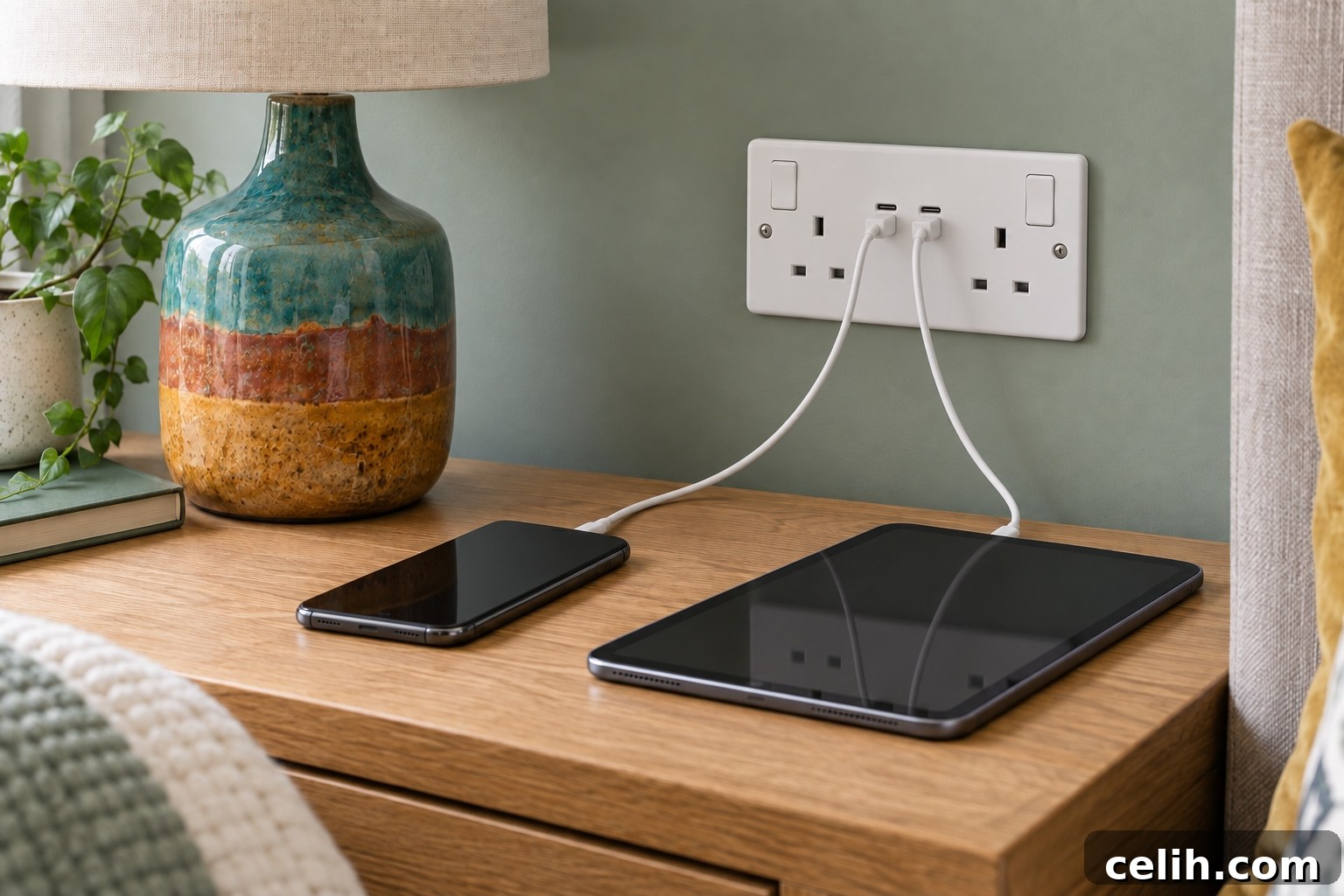
Home offices typically need more sockets than you might expect: computer, monitors, lamp, printer, speakers, router, shredder, and heating or cooling devices. Fit a bank of sockets near the desk, avoid obstructing them with drawers and consider wired data cabling for reliability, especially where Wi‑Fi may be weak. Plan for an alternative desk position if the room’s use may change.
Hallway, Landing and Staircase Sockets
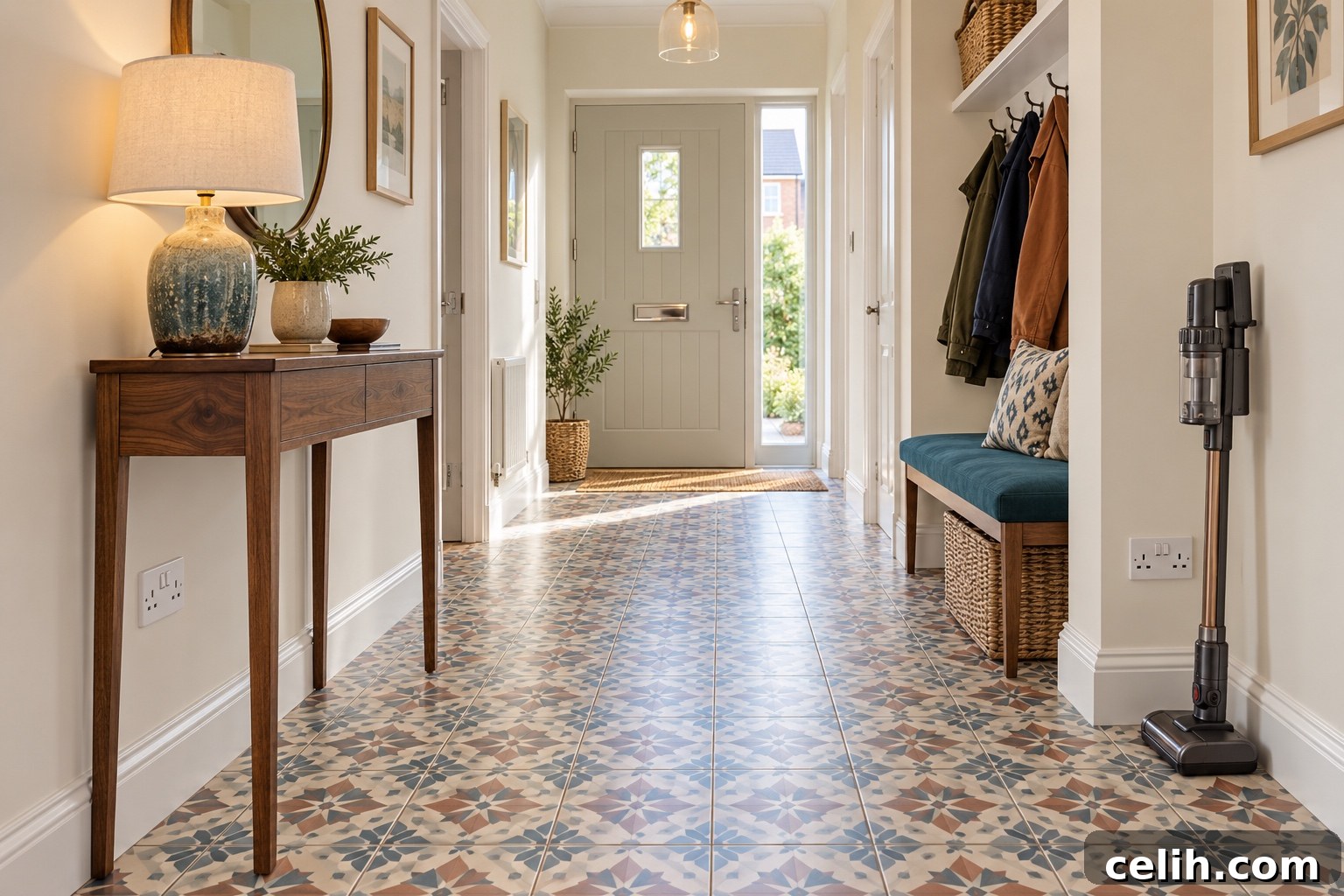
Hallway and landing sockets are often overlooked but useful for vacuuming, console lamps, Wi‑Fi mesh units, security equipment and seasonal lights. Ensure doors won’t cover sockets and that they won’t be trapped behind fitted cupboards.
Bathroom and En-Suite Electrical Planning
Bathrooms require stricter planning because water increases the risk of electric shock. Ordinary sockets near baths or showers are usually not permitted; alternatives include compliant shaver outlets, toothbrush chargers, illuminated mirrors, extractor fans, towel rails and underfloor heating. All bathroom electrical work must be designed and installed by a qualified professional.
Garage Plug Sockets
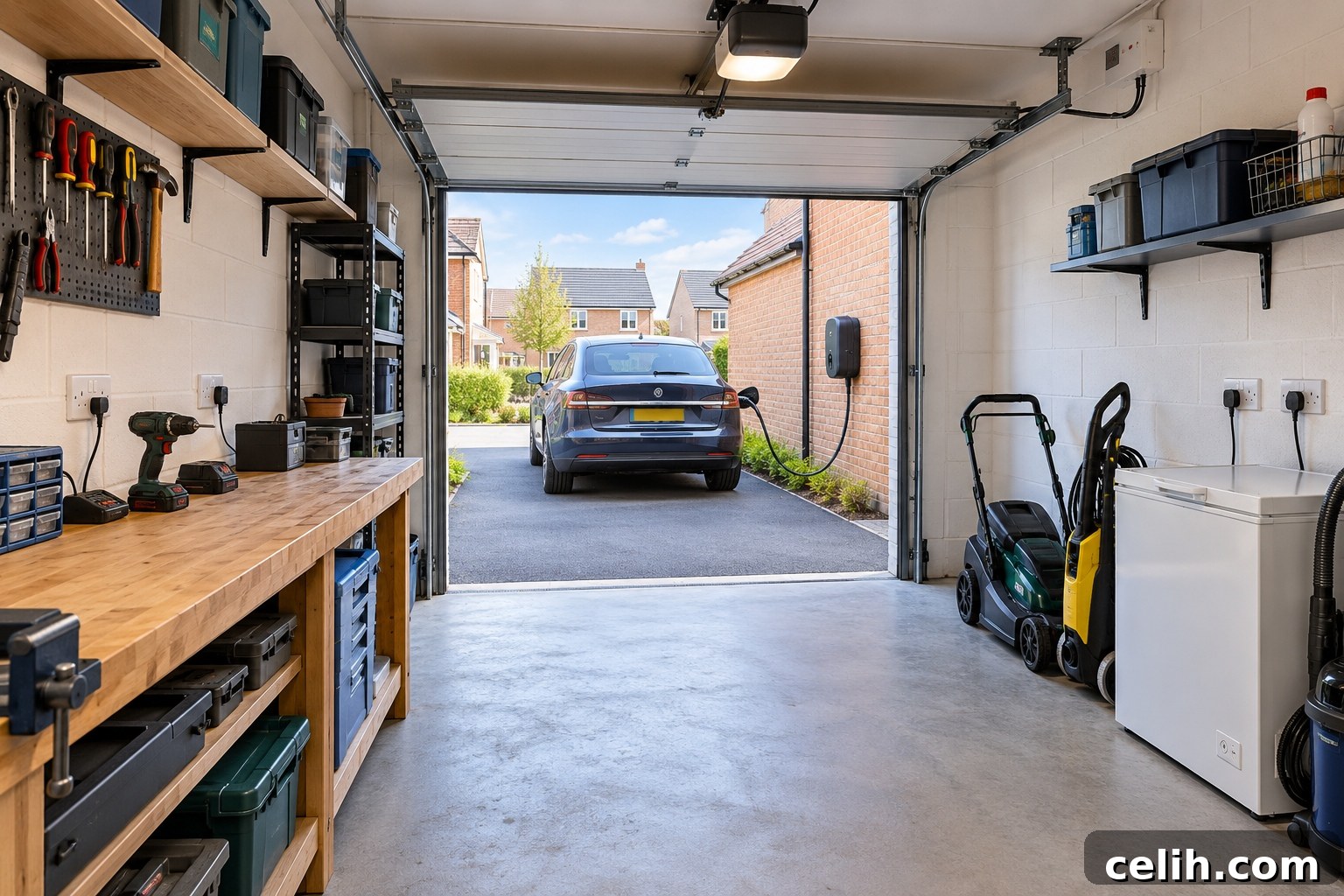
A single garage socket rarely suffices if you plan to use the space for DIY, storage or appliances. Fit sockets along multiple walls and near a workbench. Consider high-level supplies for electric doors and discuss future electric-vehicle charger provision early—EV charging requires a dedicated supply and proper design.
Loft and Storage-Space Sockets
A boarded loft can benefit from lighting and a socket for maintenance or network hardware, but avoid encouraging regular use of a loft not designed for access. If you plan a future conversion, ask whether cable routes or capacity should be prepared now to reduce later disruption.
Outdoor Plug Sockets

Weatherproof outdoor sockets are handy for garden tools, lighting, outdoor entertaining and car cleaning. Place power near the patio and shed as needed. Protect outdoor circuits with RCDs and use equipment and cables rated for outdoor use. For hot tubs or major garden installations, a dedicated supply may be required.
Shed, Garden Room or Home Office

Outbuildings vary from basic sheds to fully equipped garden offices. Plan power, heating, lighting, data cabling and security to match the intended use. A permanent supply to an outbuilding should be designed by a qualified electrician and may need its own protection and distribution equipment. Running data cabling at the same time makes for a more reliable internet connection than relying on Wi‑Fi alone.
What Height Should Plug Sockets Be?
Developers normally use standard mounting heights, but accessibility guidance exists for new dwellings. If you or future occupants have mobility needs, ask about placing sockets at a more accessible height. Coordinate socket heights with worktops, bedside tables, desks, media units and fitted furniture so outlets remain usable and aren’t hidden behind cabinetry.
Are USB and USB-C Sockets Worth Having?
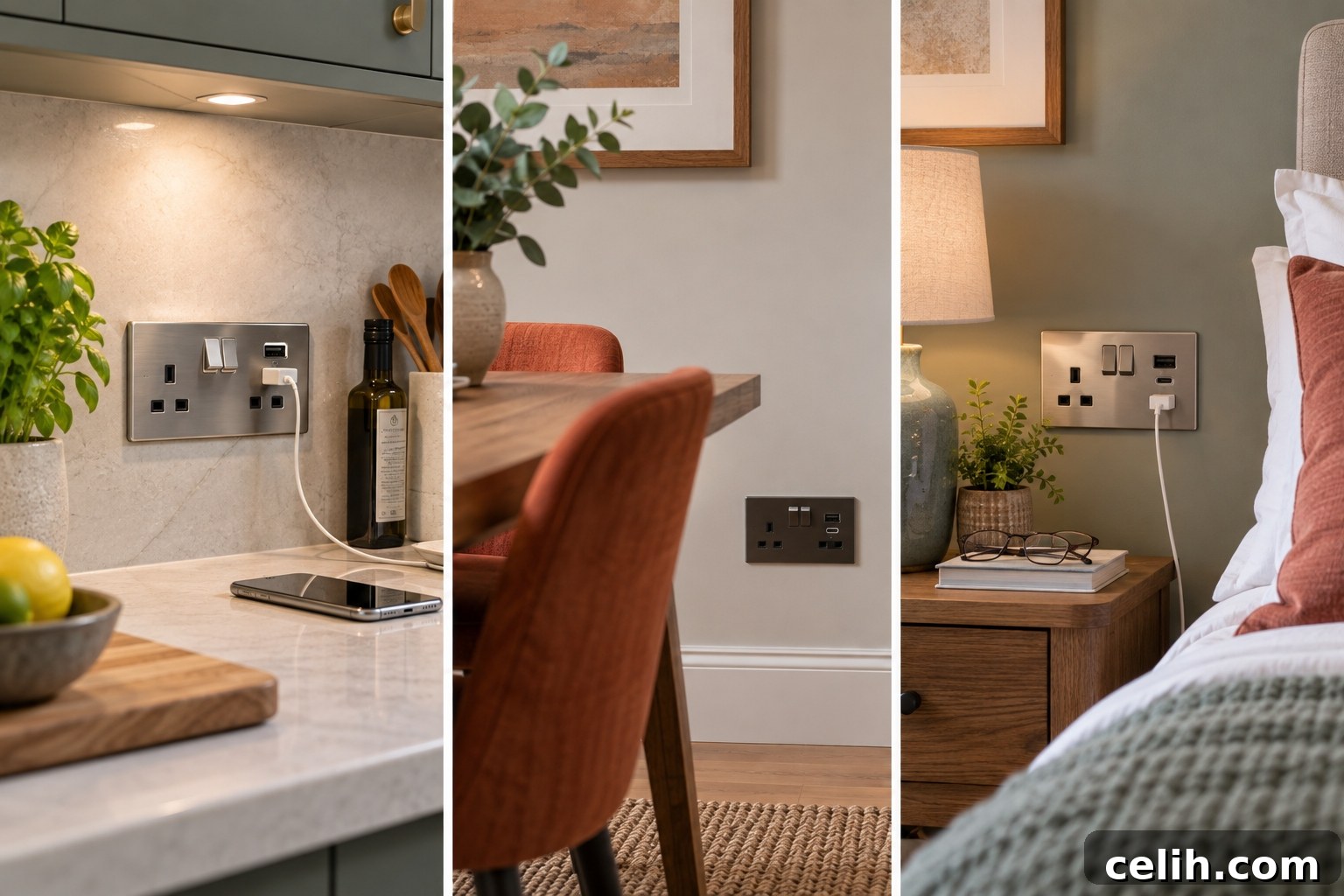
Integrated USB and USB‑C sockets are convenient at bedsides, desks and kitchen charging points. However, charging standards evolve faster than fixed wiring. A balanced approach is to keep standard three‑pin sockets throughout and add integrated charging in a few carefully chosen spots, checking output ratings rather than relying on a port’s presence alone.
Remember Smart-Home Power and Data
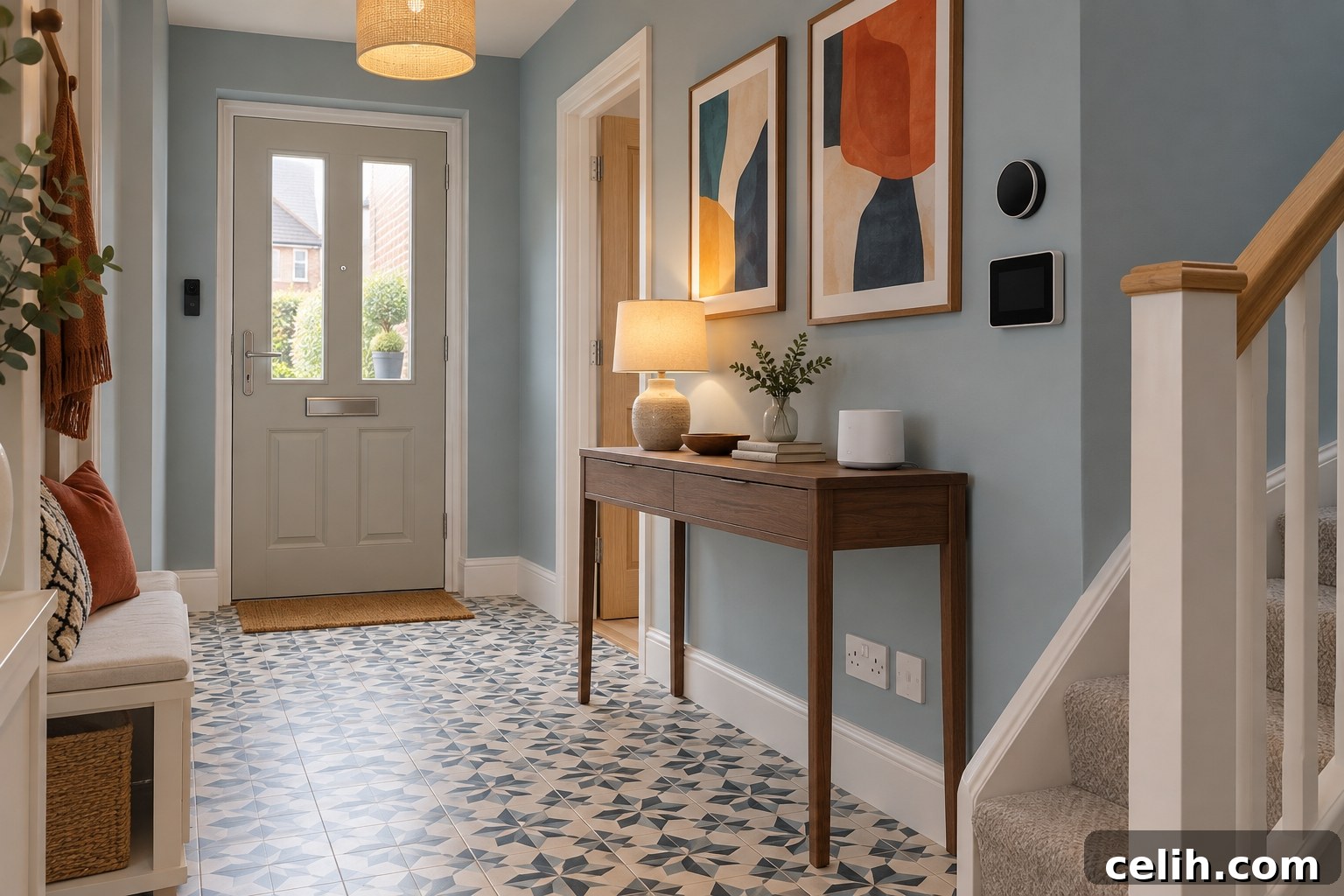
Smart-home devices often need permanent power, batteries or wired data. Consider video doorbells, external cameras, alarms, smart displays, Wi‑Fi access points, motorised blinds, solar systems and energy-monitoring equipment. Plan where the broadband enters the house and where the router will sit to avoid poor coverage. If you have firm plans for ceiling-mounted devices, arrange wiring before plastering for a neater result.
Electrical Extras That May Be Worth Paying For
Developer upgrade prices vary, so prioritise items that are disruptive to add later: extra double sockets in living areas and bedrooms, additional kitchen worktop sockets, island power, outdoor sockets, garage power, a planned wall‑mounted TV connection, wired data points, EV‑charger provision and wiring for motorised blinds or security equipment. Decorative finishes and convenience extras can often be added later if the underlying installation is robust.
Common Plug-Socket Planning Mistakes
Common errors include approving plans without checking them, placing sockets before furniture positions are decided, burying bedside or TV sockets behind headboards or wardrobes, clustering sockets in the wrong spot, forgetting hallway and garage power, failing to coordinate electrical and kitchen plans, and overlooking data connections. Avoid these to save hassle later.
New-Build Plug Socket Checklist
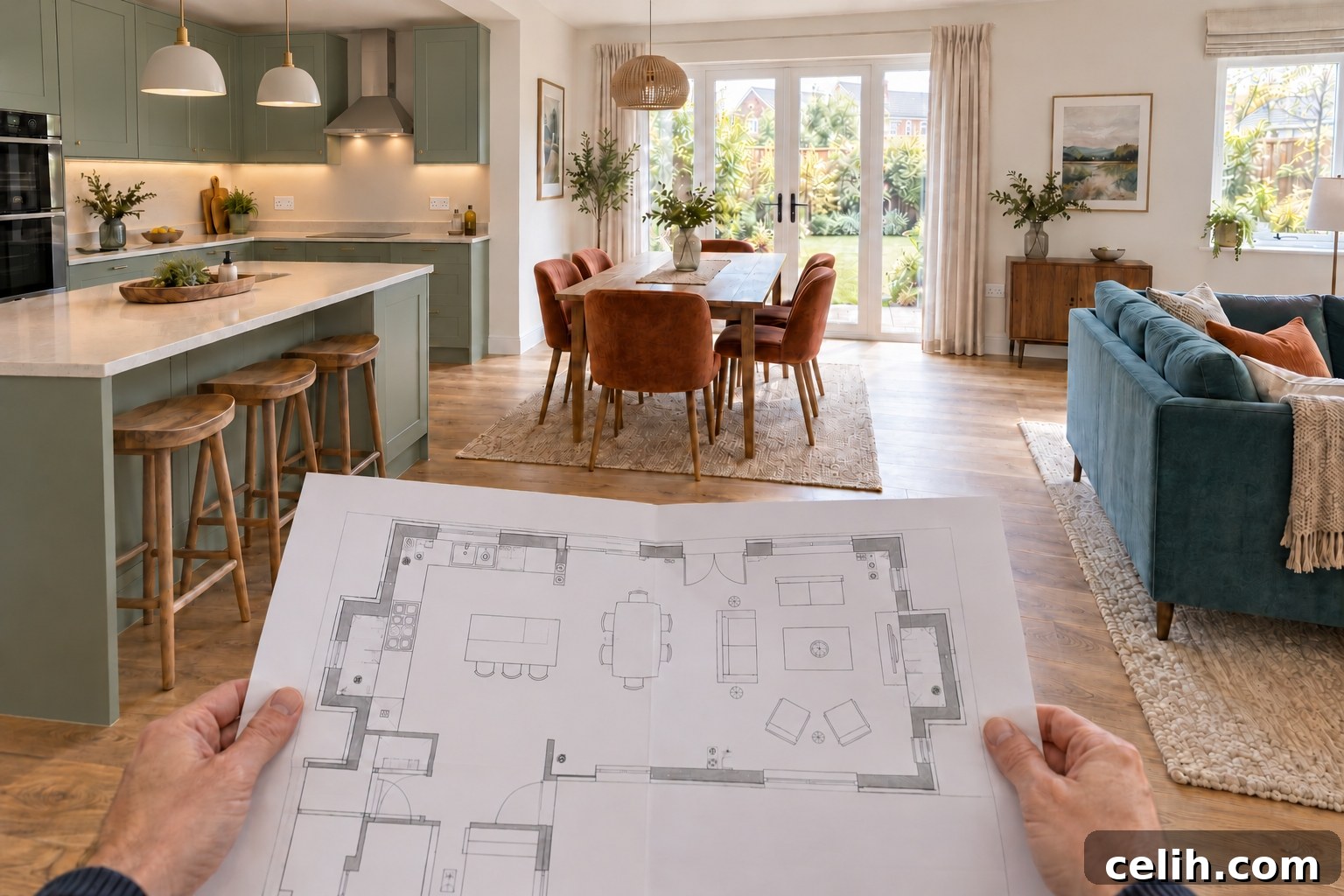
Before signing off the electrical plan, confirm that furniture positions are marked, alternative layouts considered, both sides of beds have power, sofa and TV areas have enough sockets and data points, fixed appliances have correct supplies and isolation points remain accessible. Check kitchen and island power, office provision, hallway and garage needs, outdoor requirements and any EV‑charging plans. Ensure socket heights suit the furniture and that all upgrade prices and agreed locations are recorded in writing.
If allowed, photograph wiring and cable routes before walls are closed—these images can help later when fitting shelves or mounting a TV.
Frequently Asked Questions
How many sockets should a new build bedroom have?
There’s no set number. As a baseline, provide power on both sides of a double bed, near a dressing table or desk and in an accessible location for cleaning. Add extras if you expect a TV or significant computer equipment.
Are double sockets better than single sockets?
Double sockets usually offer more flexibility in general-purpose rooms, though some appliances require dedicated connections or circuits rather than standard outlets.
Can plug sockets be moved after the house is finished?
Yes, but moving sockets typically involves cutting into walls, rerouting cables, repairing plaster and redecorating. It’s easier and cheaper to make major changes before first fix and wall finishes are complete.
Should every socket include USB ports?
Not necessarily. USB and USB‑C sockets are handy in selected areas, but traditional three‑pin sockets are more versatile. A mix usually works best.
Can a plug socket go behind a wall-mounted television?
Yes—professionally installed power and media connections at television height create a tidy finish. Do not simply hide a standard flexible lead inside the wall; the installation must be appropriate and safe.
Do I really need a socket in the hallway?
A hallway socket is a small addition that makes vacuuming, lamp use, Wi‑Fi equipment and seasonal decorations much easier.
Can outdoor sockets be added later?
Yes, but installing them during construction simplifies cable routing and reduces disruption to internal finishes and landscaping.
Final Thoughts
The best electrical plan reflects how you will actually live in the home, not just the highest number of outlets. Prioritise practical locations—bedsides, seating areas, the kitchen, TV walls, home offices, hallways, the garage and garden—and leave some flexibility for changing furniture, technology and future occupants. Review and agree the electrical plan with the developer and a qualified electrician before the first fix is completed to avoid costly alterations later.